

“Trusted by Companies Like Yours” — Make It True for Every Visitor
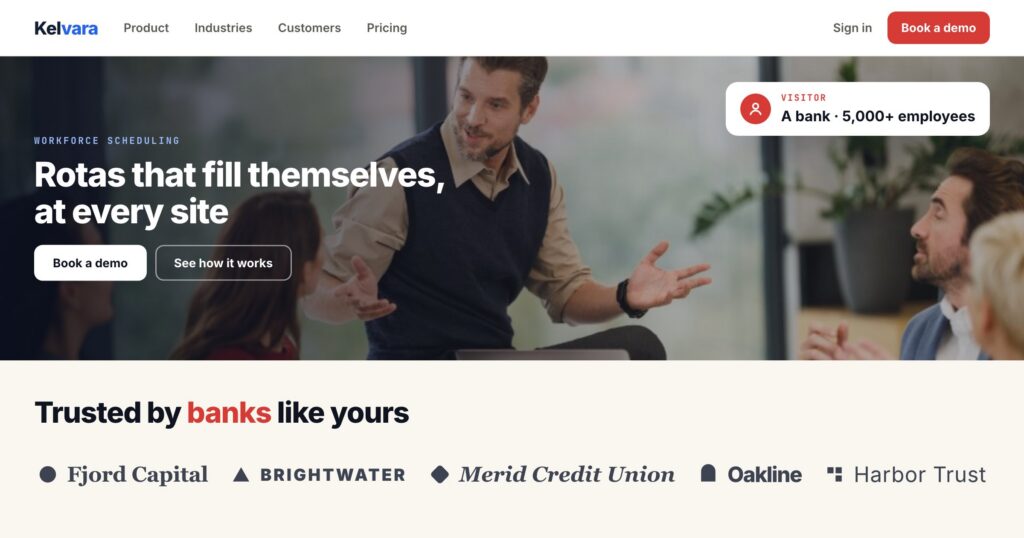
Almost every B2B home page has the same block under the hero: a row of grey customer logos, chosen once by whoever built the page. It is there to say “companies like you already trust us”. For most visitors it says something else, because the logos are rarely companies like them.
A hospital reads six retail brands. A 40-person agency reads six enterprises. The strip does its job only for the visitors who happen to match the ones someone picked.
The same strip, chosen per visitor
The Customer Logos action picks the logos for each visitor from one library. Two orders cover most sites:
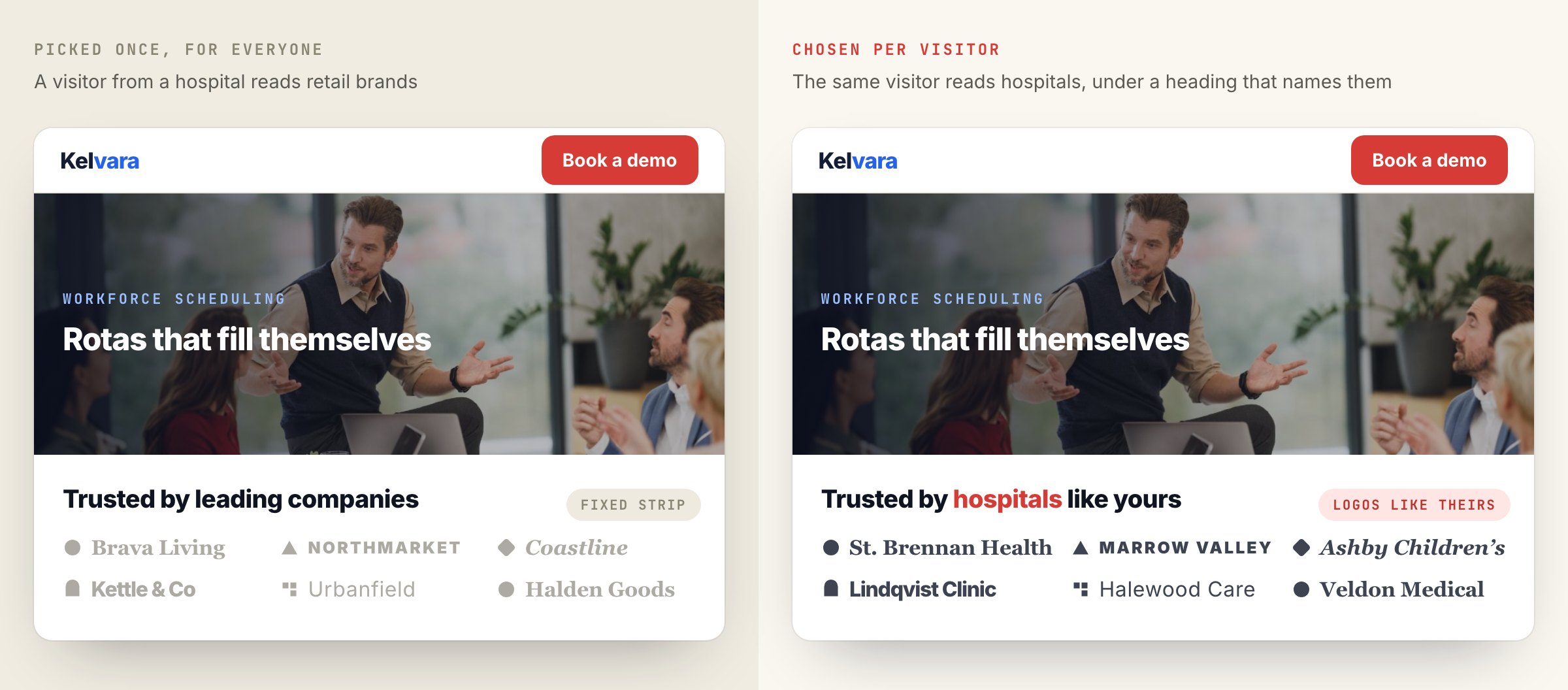
- Logos like theirs (the default) — logos from the visitor’s industry first, then from companies of their size.
- Near the visitor — logos from their country and region first. Useful for local proof, and for visitors whose company you do not know.
A visitor you know nothing about still sees the full strip, in your order. Matching changes what comes first; it never leaves the space empty. Stricter options exist for pages where only a match makes sense.
One library, the one your reviews already use
Customer logos live on the same Reviews page as your reviews and testimonials, in their own tab: company name, logo, an optional link, and the same “who it is for” tags — industry, company size, country, region, city, website. Add them one by one, or upload a file of logos.
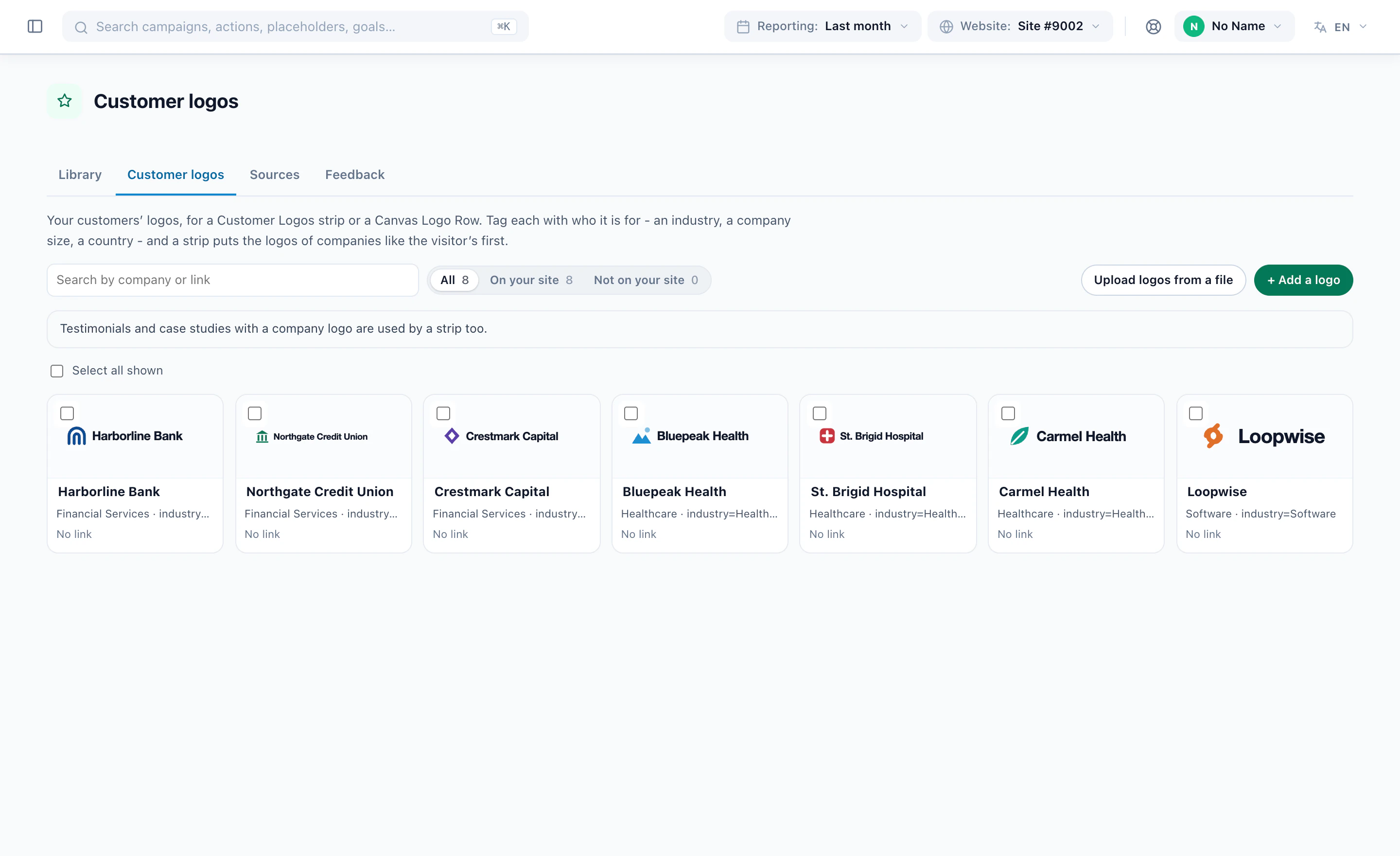
Logos already attached to your testimonials and case studies are used too, so an account with case studies has a strip on the first day. The testimonials themselves can follow the same matching — a bank’s case study for banks — which the reviews post covers.
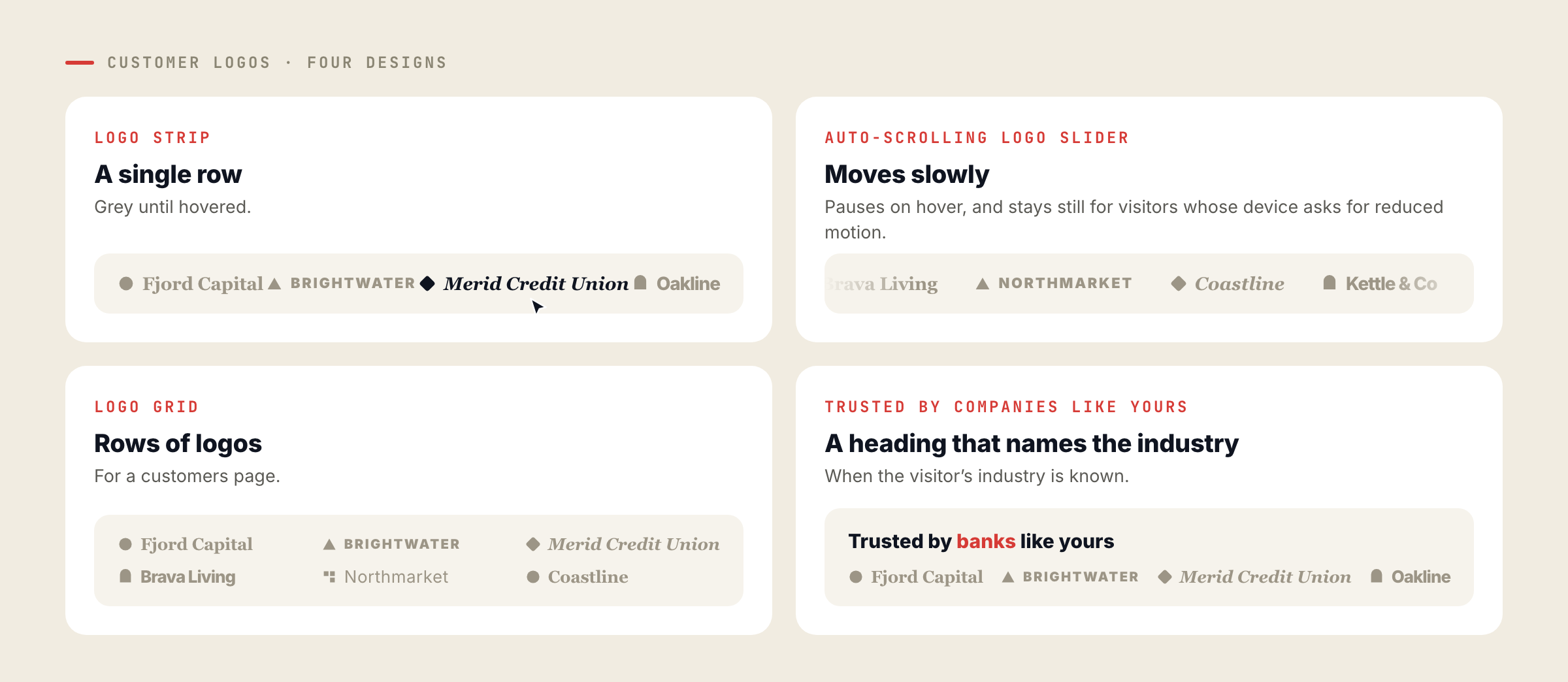
Four designs
| Design | What it does |
|---|---|
| Logo Strip | A single row, grey until hovered |
| Auto-scrolling Logo Slider | Moves slowly, pauses on hover, and stays still for visitors who ask their device for reduced motion |
| Logo Grid | Rows of logos for a customers page |
| Trusted by companies like yours | A strip whose heading names the visitor’s industry when it is known — “Trusted by banks like yours” |
The Canvas Builder’s Logo Row element reads the same library with the same matching, so a landing page built there gets the right logos too.
Where the industry comes from
Matching by industry and company size needs to know the visitor’s company. There are three usual sources, and most B2B accounts use more than one:
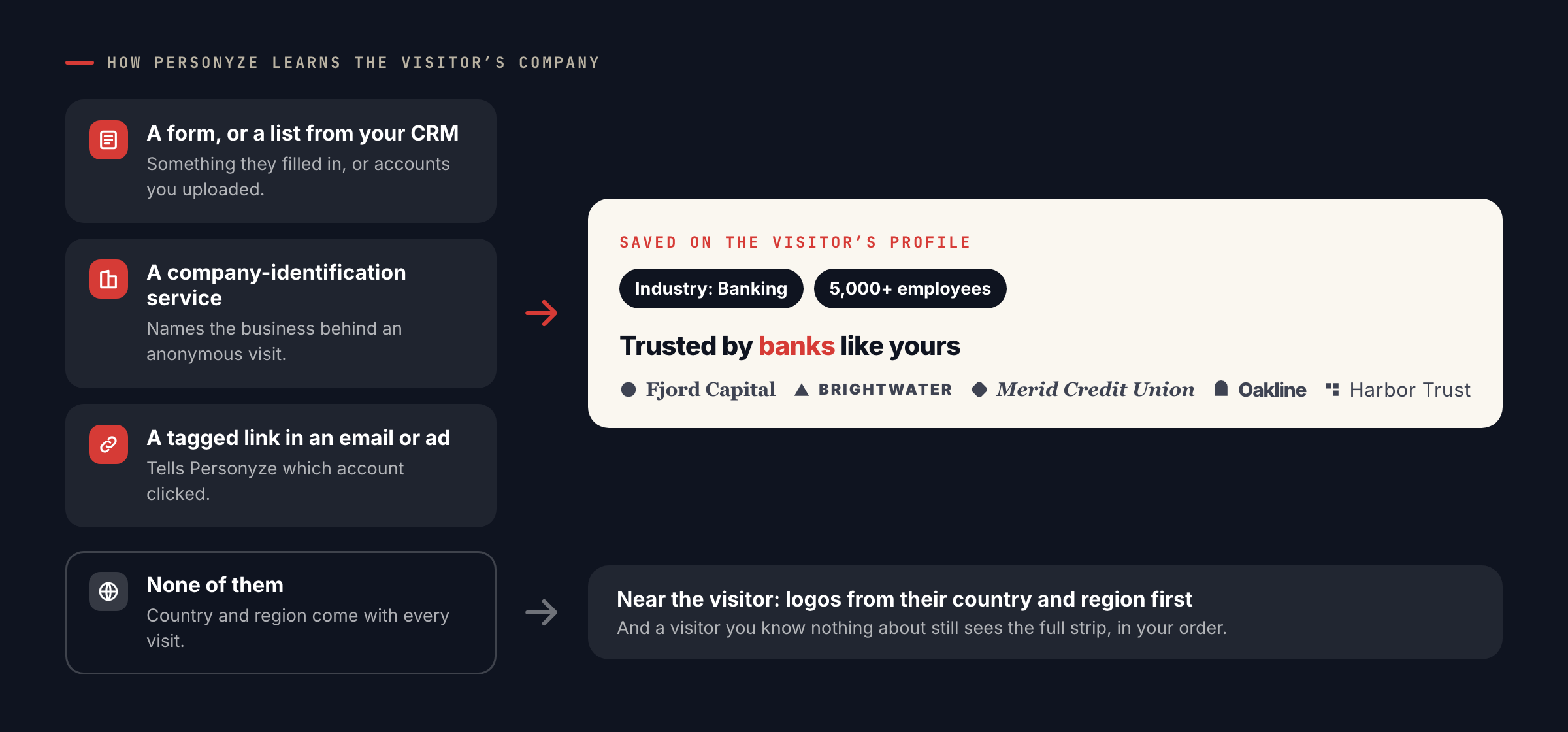
- A form they filled in, or a list you upload from your CRM — see CRM targeting.
- A company-identification service that names the business behind an anonymous visit, such as Snitcher or Albacross.
- A tagged link in an email or ad that tells Personyze which account clicked.
Without any of them, matching falls back to country and region, which every visit carries.
See your own logos, matchedBook a demo and we will show the strip on your site for a few of your target accounts.More: Reviews & Testimonials · Account-based marketing.
Questions people ask
What does a visitor see if we do not know their company?
The full strip in your own order. Matching only changes which logos come first, so the strip is never empty.
Do we need a company-identification tool?
Only for industry and company-size matching on anonymous visits. Forms, CRM uploads and tagged links also identify accounts, and country and region matching works for every visitor.
Can we reuse the logos from our case studies?
Yes. Logos attached to testimonials and case studies in the Reviews library are used automatically.
Does the slider respect reduced-motion settings?
Yes. For visitors whose device asks for reduced motion it stays still, and it pauses on hover for everyone.
Book a demo with a personalization expert
30 minutes with a personalization expert. Bring your stack, your goals, your skepticism. We'll show you what changes when every visit feels like the only one.