Paste a single HTML block into any ESP — Mailchimp, Klaviyo, HubSpot, SendGrid — and Personyze renders fresh, personalized content the moment each recipient opens the email. Real inventory, today’s prices, latest behavior. Zero developer queue.
1,500+ brands
Thanks for buying the PS5 Console. Your payment has been processed.
Get 20% OFF your next order with code: BACK20
Claim offer →Drop a single Personyze tag into your template, then pick what each placement renders — product picks, content picks, or targeted promos — all powered by live behavior, inventory, and pricing at the moment of open.
Pulls from your full catalog at open time — respecting current stock, current price, and the recipient’s latest behavior. Sold-out SKUs auto-swap. Cross-sell, replenishment, and abandoned-cart recovery from one snippet.
Same engine, different catalog. Surface the right blog post, podcast, course, or playbook based on what each recipient has read, watched, or completed. Newsletters, drip series, onboarding emails — every block fresh at open.
Render different banners, hero images, or CTA copy per recipient based on segment, lifecycle stage, location, or behavior — without splitting the campaign into ten variants in your ESP. One template, infinite personalization.
Behavior from this morning, inventory from this minute, prices from right now. Your CRM, CDP, ESP, and storefront feed one unified profile that drives every render — even if the recipient opens a week after you sent.
Most ESPs personalize at the moment of send — whatever data was current then is what the recipient sees, even if they open the email a week later. Open-time rendering keeps every block fresh until the recipient actually looks.
What the customer sees was decided minutes, hours, or days ago.
Whatever’s true at open is what they see — not what was true at send.
A customer buys a TV. Your ESP sends the order confirmation. The Personyze snippet renders live recommendations the moment they open it — no manual setup per send.
Add the Personyze snippet to your order confirmation template once. Replace the placeholder with your ESP’s email merge tag. Every future send is automatic.
Hi Marcus, your order #ORD-8821 is confirmed. Estimated delivery: 3–5 days.
<a href="https://pic.personyze.com/href/ k=8qy0zs2vbzcv/email=*|EMAIL|*"> <img src="https://pic.personyze.com/png/ k=8qy0zs2vbzcv/email=*|EMAIL|*"/> </a>
Each k= key identifies your widget; the email= parameter personalizes at open time.
When the order is placed, Personyze fires a purchase tracking event — linking Marcus’s email to the TV he just bought. This is the data that powers his recommendations.

// Fires on the order confirmation page window.personyze.push([ 'trackEvent', 'purchase', { order_id: 'ORD-8821', products: [{ product_id: 'TV-65-QLED' }], email: 'marcus@example.com' } ]);
This event links Marcus’s email to his purchase — so Personyze knows exactly what to recommend when the order confirmation email arrives.
His email client renders the image tag, and the request hits Personyze with his email address. We render a fresh, personalized recommendation image right then — never cached, always current.
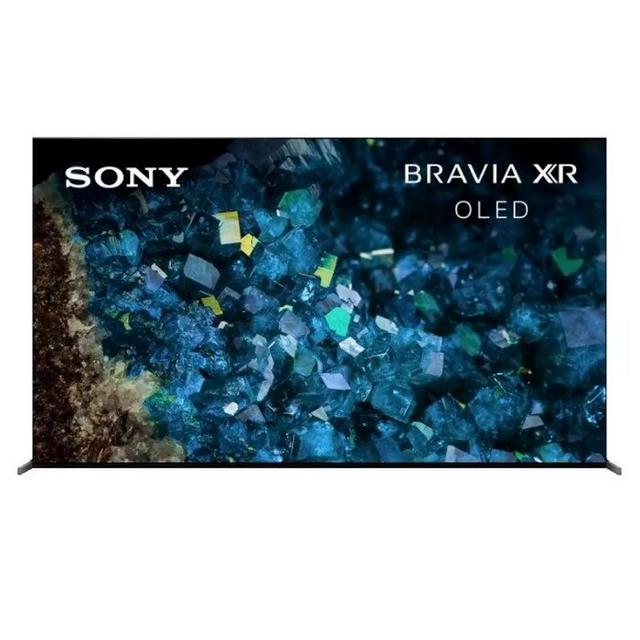
Your Samsung 65″ TV ships in 1–2 days.
Personyze receives: email=marcus@example.com
Marcus’s purchase found: Samsung 65″ QLED TV, bought 2 hours ago
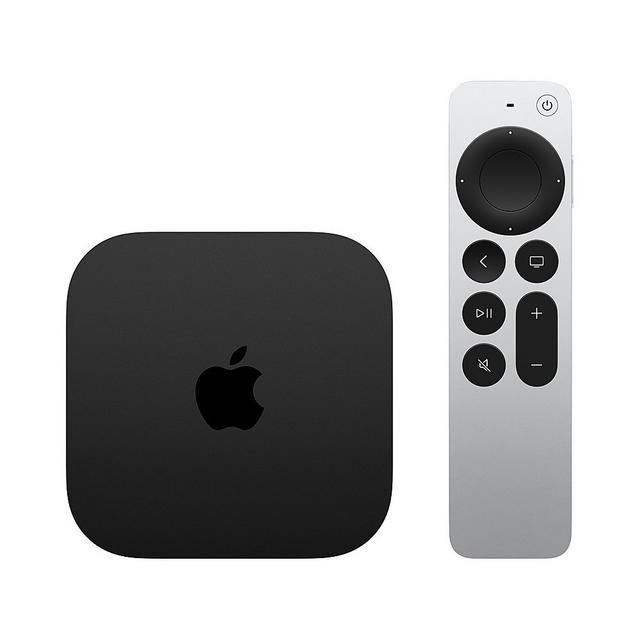
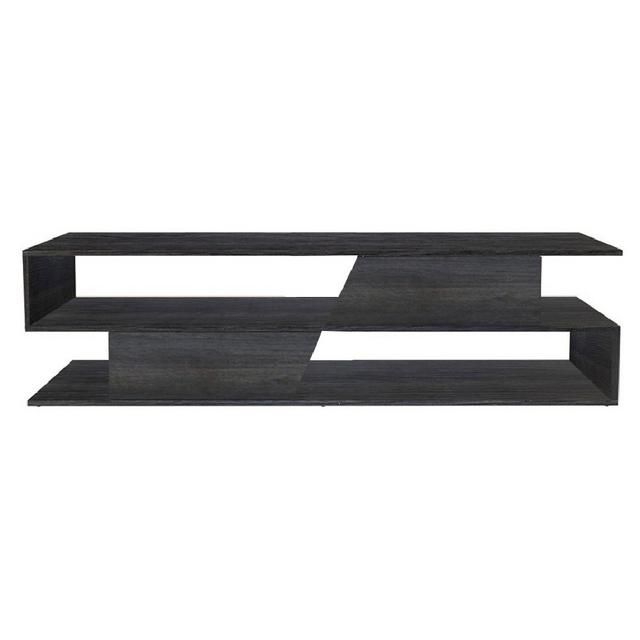
“Customers who bought this also bought” — checks live catalog for in-stock TV accessories
Personalized recommendation image returned and displayed in the email
Not static picks — the exact accessories other TV buyers purchased, rendered live at open time.


Personyze logged the TV purchase via the on-site event script.
Order confirmation sent with the snippet already in the template.
pic.personyze.com received the request with Marcus’s email address.
Algorithm ran, catalog checked, personalized image returned.
Add the snippet to your template once. Every future order email automatically shows personalized recommendations for that specific customer.
Open-time blocks slot into anything you already send — turning every transactional, promotional, or lifecycle email into a conversion opportunity.
The most-opened email anyone sends. Add a recommendation block at the bottom — accessories tied to the order, products that pair with what they bought.
Show what they left behind — with current stock, current price. If something sold out since they left, swap in similar alternatives automatically.
Each reader gets featured stories matching their interests, products by category preference, offers by segment. One newsletter, hundreds of variants.
Welcome emails open at 50%+. Use that attention — recommend categories matching their first browse session, signup intent, or referral source.
Re-engage dormant users with what they actually browsed last time. Open-time means the recommendations reflect THIS month’s catalog, not when they unsubscribed mentally.
Promos never expire mid-flight. Sold-out items get auto-replaced. The offer block in your weekly email is fresh every time someone opens it — even days after send.
Design the recommendation widget visually, paste the snippet into your ESP, and watch live performance — all in one place.
If your ESP supports HTML emails or merge tags, Personyze open-time blocks work. No platform migration. No new sender. Same domain, same templates — just smarter content blocks.
Setup guides, ESP-specific instructions, and real-world examples.
Complete guide to triggers, algorithms, and recommendation logic for open-time email.
Read → WikiHow to generate the HTML snippet and paste it into any ESP. Step-by-step with screenshots.
Open docs → BlogReal-world data: open-time vs. send-time recommendations, with revenue impact across 50+ campaigns.
Read → FeatureBeyond products — change banner images based on location, weather, segment, or device.
Learn →Open-time blocks ship with white-glove onboarding, ready-made templates, an in-product simulator, performance dashboards, universal ESP support, and pay-as-you-go pricing — the same platform Personyze customers use across web, popups, and ABM.
Onboarding, training, and campaign setup — guided by your dedicated success manager from kickoff to launch.
Pre-built recommendation, content, and promotional banner templates — pick one, customize, paste the snippet.
Default revenue, CTR, and conversion dashboards plus custom KPIs — track every render, every campaign, every recipient.
Preview every block before it goes live. See exactly what the recipient will see — rendered against real profiles.
Mailchimp, Klaviyo, HubSpot, Salesforce, SendGrid, Iterable — if it sends HTML, it works. One snippet, every ESP.
True pay-as-you-go. Scale personalization without heavy upfront commitments — 30-day money-back, no annual lock-in.
Common questions about open-time email personalization, snippet integration, and how it actually behaves in production.
Most email tools personalize at send time — the moment the email is queued, content is locked in. Personyze personalizes at open time. When the recipient opens the email, the embedded image request fires to Personyze, and we render fresh content based on the latest data: current inventory, today’s price, the recipient’s most recent behavior, even local weather.
The same template can produce dozens of different rendered emails depending on who opens it and when.
Personyze open-time blocks work with any ESP that accepts HTML emails or merge tags. That includes Mailchimp, Klaviyo, HubSpot, SendGrid, Iterable, Marketo, Salesforce Marketing Cloud, ActiveCampaign, MailerLite, Constant Contact, Brevo, Omnisend, Drip, ConvertKit, AWeber, Customer.io, Braze, and many more.
You keep your existing send infrastructure — Personyze adds the open-time personalization layer on top.
No. The whole flow is a wizard. You connect a product feed or content source, design the recommendation widget visually, and Personyze generates the HTML snippet. You paste it into your email template once — replacing the placeholder with your ESP’s email merge tag (*|EMAIL|* in Mailchimp, {{ email }} in Klaviyo, etc.).
After that, every send is automatic. Same snippet works across order confirmations, newsletters, win-back campaigns — everything.
The HTML snippet contains your ESP’s email merge tag in the URL. When the email is sent, the ESP substitutes the actual recipient’s email address into that URL.
When the recipient opens the email, the image request hits Personyze with that email. We look up that user’s profile (purchase history, browsing behavior, segments, location, etc.) and render the appropriate content in real time.
You define a fallback when you build the widget. Personyze renders default content for unknown recipients — typically your top sellers, trending products, or featured content based on segment.
Recipients always see something relevant, never a broken email.
We’ve tested across all major clients (Outlook desktop and web, Gmail web and mobile, Apple Mail macOS and iOS, Yahoo, AOL, Samsung Mail) using Litmus and Email on Acid.
Personalized content degrades gracefully: if a recipient’s mail client blocks images (rare — about 3% of opens), they see your fallback content instead of a broken email.
From a fresh account, most teams have their first open-time block live in under 30 minutes: connect a product feed, design a recommendation widget in the wizard, paste the snippet into one email template, send.
The same snippet works across every send forever — no per-campaign setup. Most teams add new use cases (cart recovery, win-back, weekly newsletter) in 5–10 minutes each after the first one.
No. Personyze’s rendering infrastructure is global CDN-backed with median response under 200ms. The image loads asynchronously alongside other email content — recipients don’t notice a delay.
We monitor render latency and serve fallback content instantly if a render takes longer than threshold, so your emails always look complete even under failure scenarios.
Live in your existing ESP in under 30 minutes. Same templates, same sender — just personalized blocks that stay current every time someone opens.