Do I need a developer?
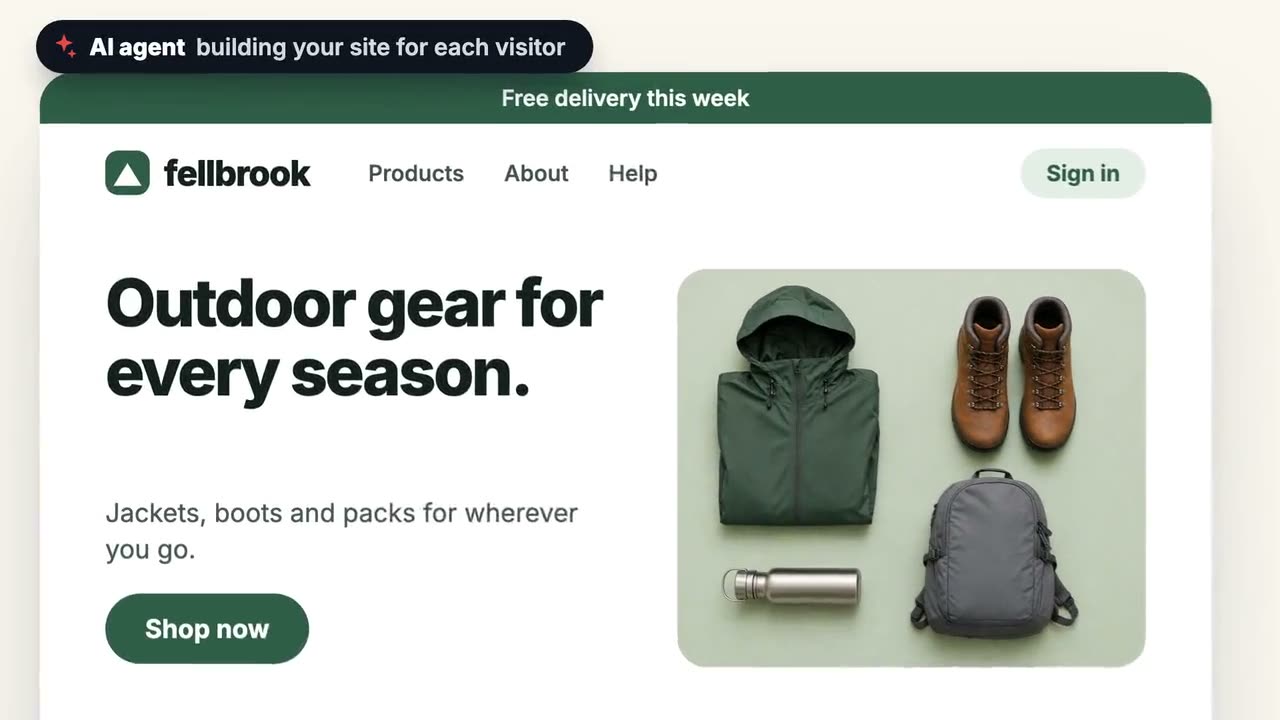
No. Personyze works with one tag and a visual editor, and AI personalization that builds campaigns from a sentence. Developers are only needed for custom integrations or server-side logic.
How long until my first campaign is live?
Simple campaigns go live in under an hour: add the tag, choose an audience, edit the page visually, preview it as any visitor and publish. Recommendation algorithms start learning at once and settle within days, depending on traffic.
Will it slow my site?
The tag loads asynchronously and personalized content is served from CDN edge servers, so your Core Web Vitals stay yours. Every change can be previewed and checked before a real visitor sees it.
How is this different from separate pop-up, recommendation and email tools?
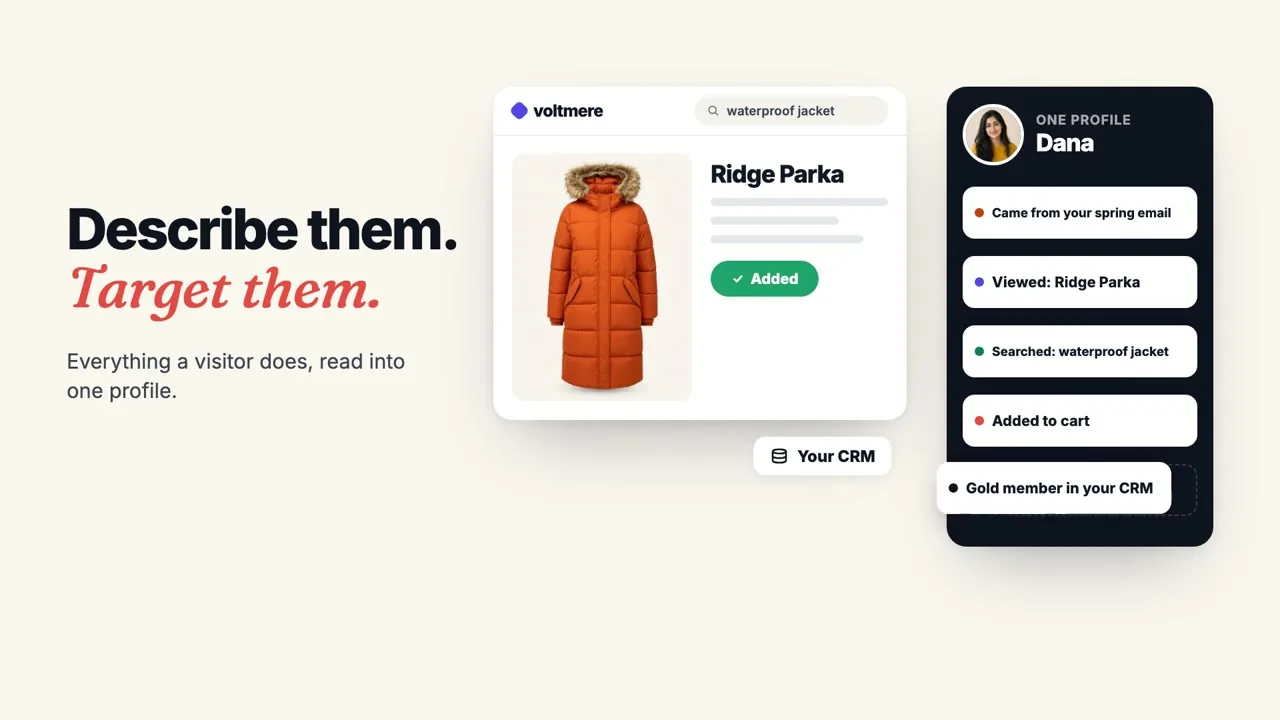
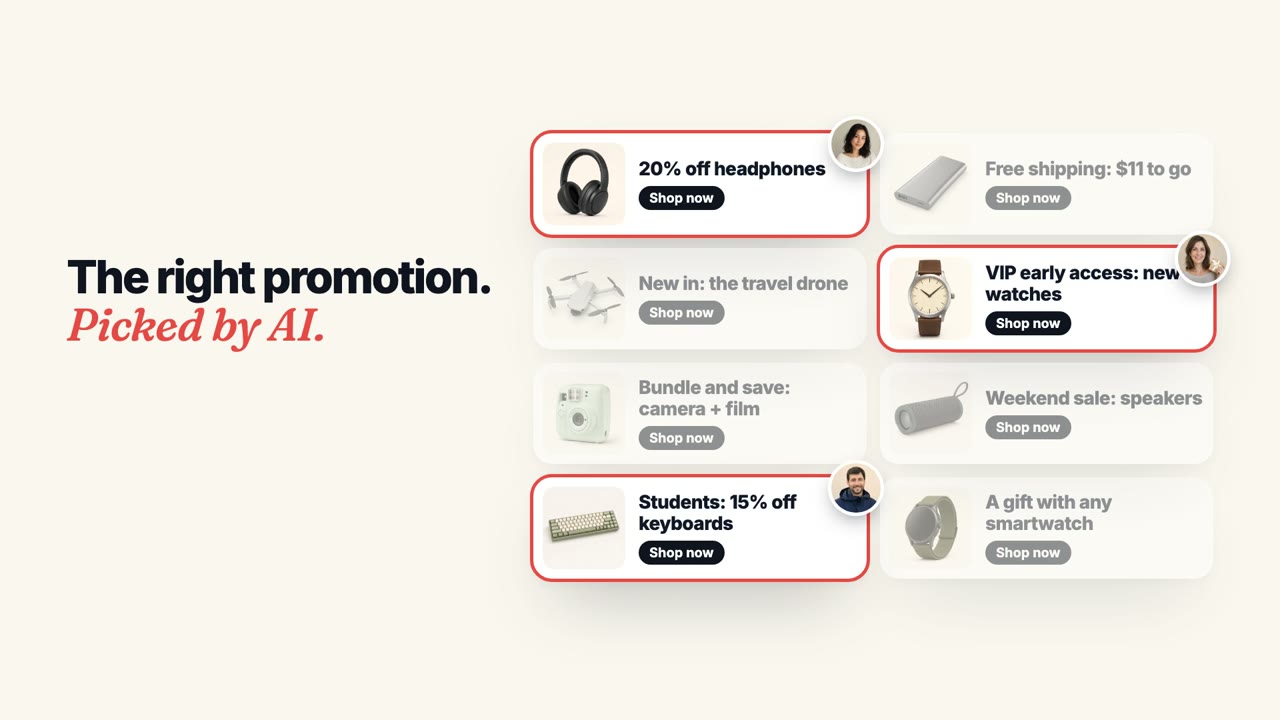
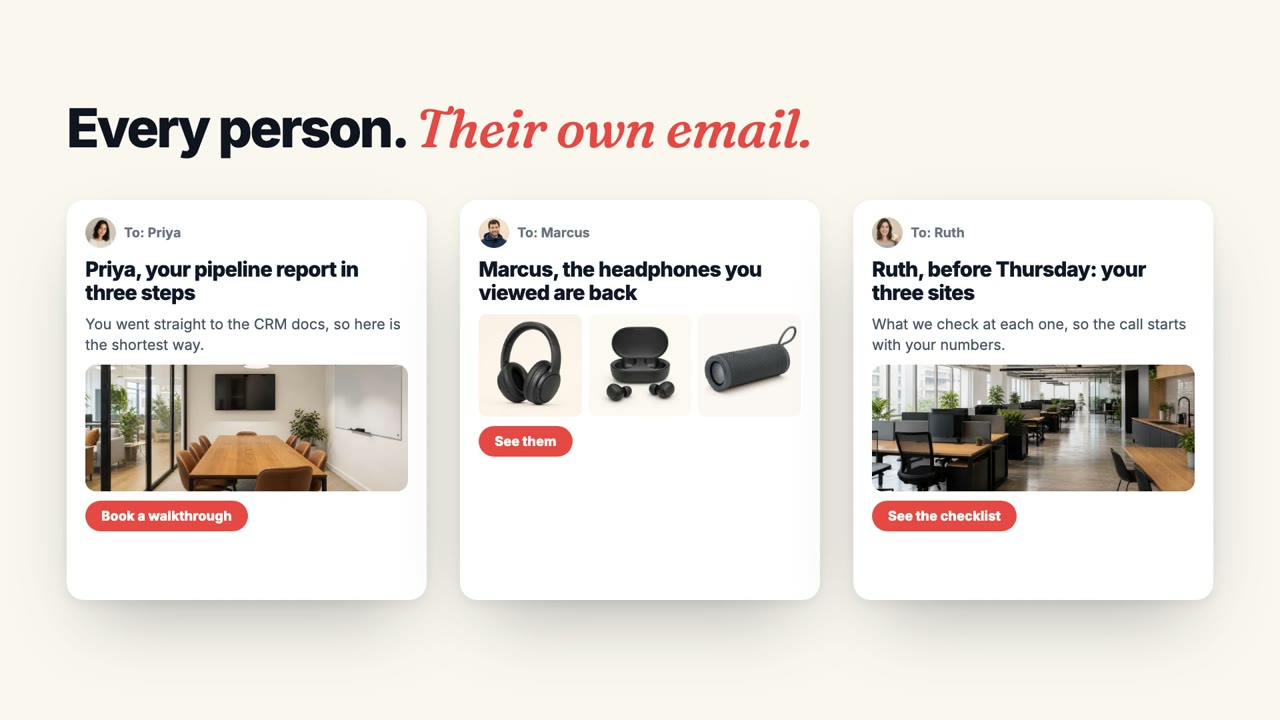
Personyze keeps one profile of each visitor and uses it to change what they see — the page, the products and articles, the offer, the chat, the email — instead of four or five tools that each know a different slice of the same person. Pages for each audience, recommendations, an AI chat agent, promotions, pop-ups, emails and A/B tests all read that one profile, so the second one you add starts out knowing what the first learned. More on the personalization platform.
Is my data safe?
Personyze runs on AWS, keeps each customer’s data in its own database tables, serves everything over HTTPS, and supports single sign-on, two-factor sign-in and role-based permissions. The details are on our security page.
What does the AI agent do, and what do I control?
Describe a goal and it writes the targeting, picks a design, places it and sets the timing — then hands you a link to the finished campaign. Everything it builds starts in staging, visible only to you, until you publish it, and it can only do what your own Personyze user is allowed to do. The build is the agent’s; the verdict is yours. More on AI personalization.
Will Personyze work on my site?
Yes. It works on any website, through one tag or Google Tag Manager — with ready integrations for Shopify, WordPress, HubSpot, Salesforce, Segment, GA4, Klaviyo, Mailchimp and more, plus Zapier and a REST API for everything else.
How does Personyze decide what to recommend?
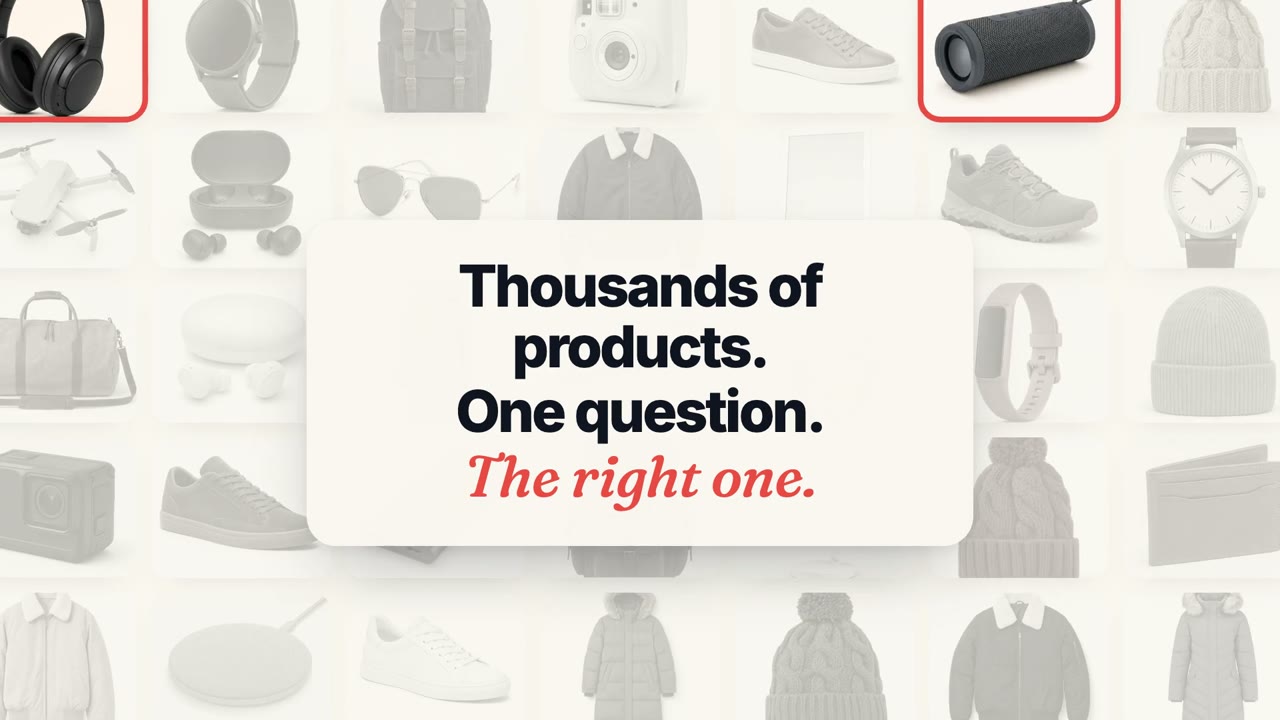
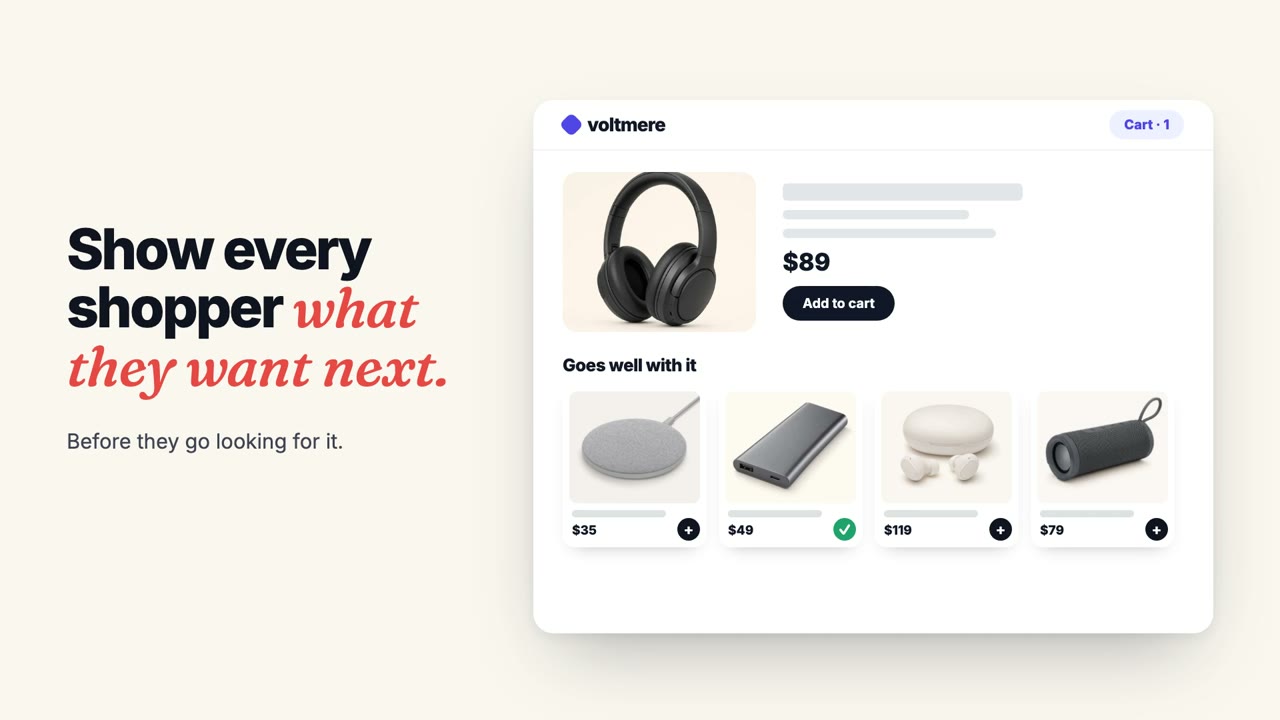
It reads what each product looks like and what each article is about, and blends that with what real shoppers and readers did. A new arrival or a new article gets good recommendations the day it is added; a bestseller leans on real purchases. It adapts to your kind of site on its own: complete the look in fashion, accessories that fit in electronics, a timely restock in beauty and groceries, the next step on the same topic on a blog. It never recommends what someone just bought, and every list stays full. More on AI recommendations.
How does Personyze handle privacy and GDPR?
Personyze acts as your processor under a Data Processing Agreement and gives you the tools GDPR asks for: a consent mode that waits for your cookie banner, retention periods you set, Global Privacy Control, and finding, exporting or deleting one person’s data. Personyze never sells visitor data.
What is website personalization?
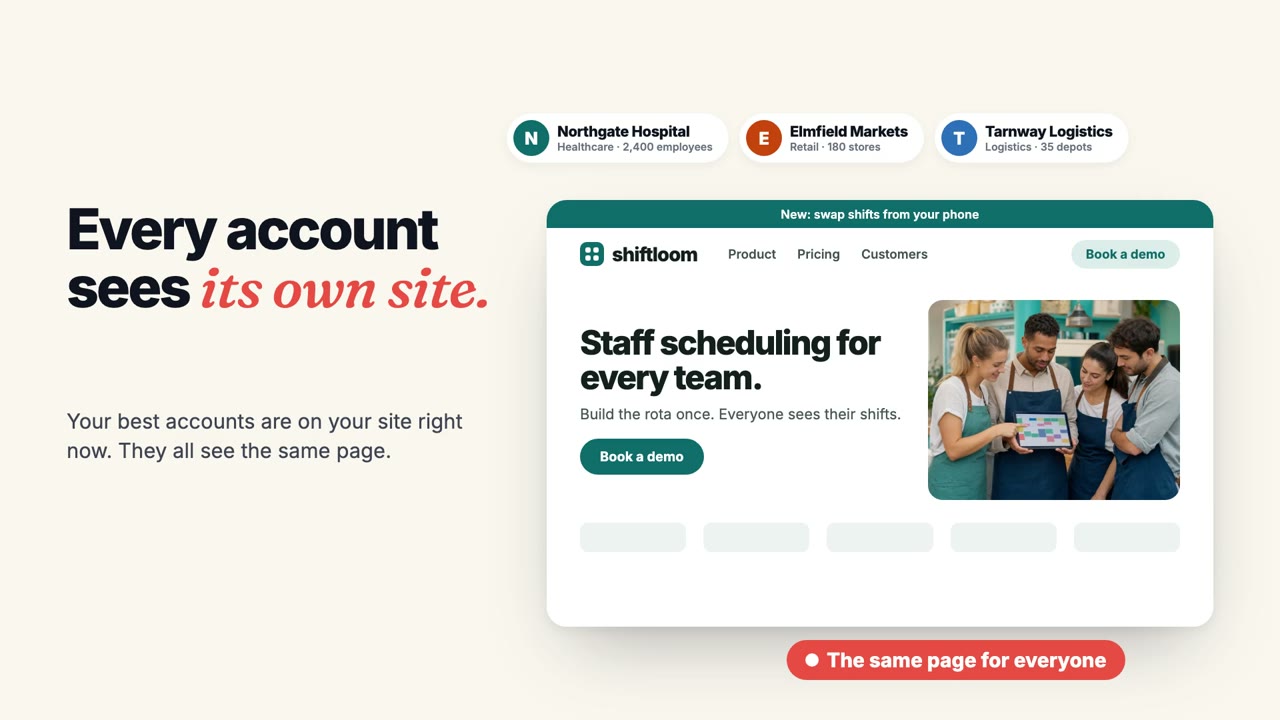
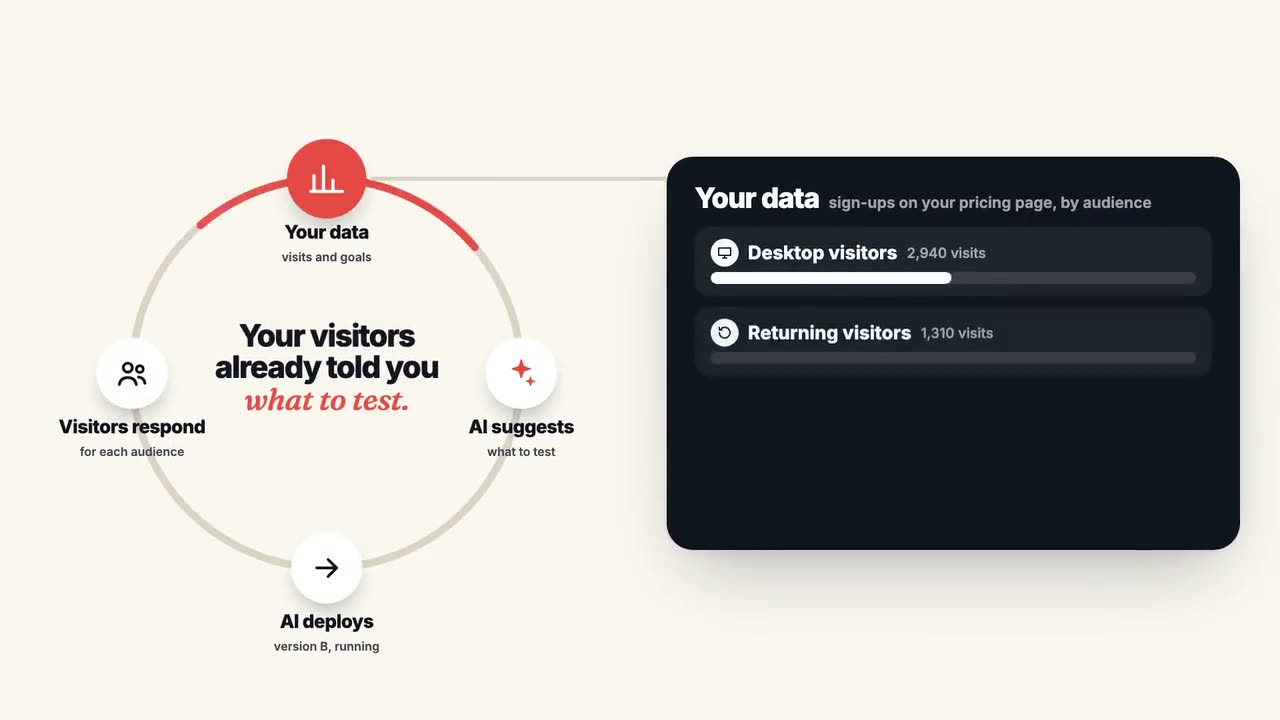
Website personalization shows each visitor a version of your site that fits them: the products, content, offers and messages chosen from what you know about them — where they came from, what they viewed, where they are and the weather there, their segment in your CRM. Personyze does it with behavioral targeting rules you write or AI that decides for you, across product and content recommendations, pop-ups, banners, landing pages, chat and email, and A/B tests every change against the original.

 4.8 on G2
 4.6 on Capterra

 Snow Boot
 Knit Beanie
 Touch Gloves
 Three logistics teams, one third fewer late trucks.



 How coastal cities prepare for higher seas
 The lab behind a one-shot flu vaccine
 A last-minute winnerSport
 MiamiKids’ club · 3h 05m
 CancúnFamily suites · 4h 10m
 San JuanKids fly free · 4h 40m
 Nonstop from O’Hare, kids fly free in July.