
Product Recommendations for Fashion Stores: Complete the Look, Similar Style and In Your Style
Open a hoodie on most fashion stores and the row under it offers more hoodies, often the same one in two other colours. The shopper has already chosen a hoodie. What they have not chosen yet is what to wear with it.
Fashion is where the classic recommendation algorithms need a second opinion: what the products look like. This guide covers the recommendations that work for clothing, shoes and accessories, where each one goes on the site, and how to tell which one is selling. It uses Personyze’s recommendation engine, which reads what every product looks like and blends that with what shoppers did; the practices hold whatever you use.
| Widget | Where | What it shows | What it learns from |
|---|---|---|---|
| Complete the look | Product page, cart, email after an order | Pieces of other kinds that make an outfit | What shoppers bought together, cleaned up by the look |
| Similar style | Product page, for shoppers still choosing | The same kind of item in a matching style, at a similar price | What shoppers viewed together, and the look |
| In your style | Home and category pages, email | Items ranked by the looks this shopper browsed and carted | This shopper’s views and cart |
| New arrivals | In all three | Recommended from their look the day they are added | The look, until purchases build up |
Why “more of the same” fails in fashion
Most recommendation algorithms count which products turn up together, in the same visits or the same orders. In a bookstore that works well. In a clothing store it goes wrong in three ways:
- Viewing is comparing. Shoppers look at five jackets because they want one. “Customers who viewed this also viewed” becomes a list of the jackets they did not buy: useful while they are choosing, useless once they have chosen.
- Orders are noisy. One order holds the same jeans in two sizes, a child’s hat beside a parent’s coat, and a gift card. Read as they are, the jeans “go with” themselves.
- Much of the catalogue is new. Collections turn over every season. A new arrival has no sales, so an algorithm that counts sales cannot recommend it, or recommend anything beside it, in the weeks it matters most.
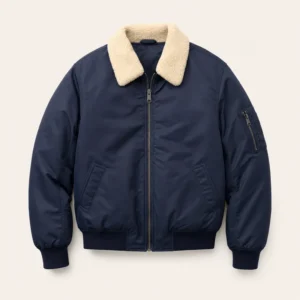
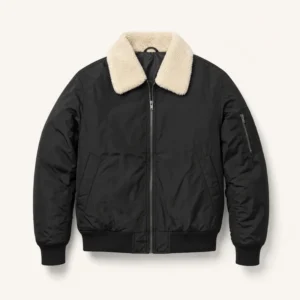
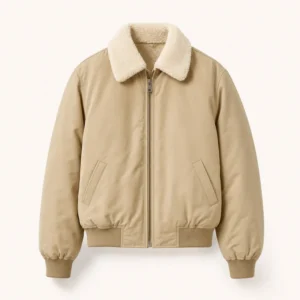
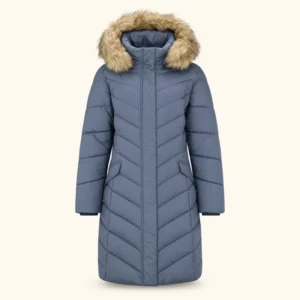
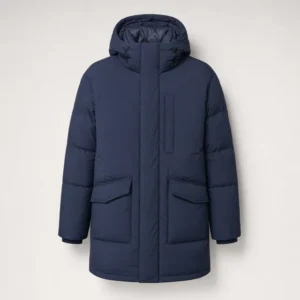
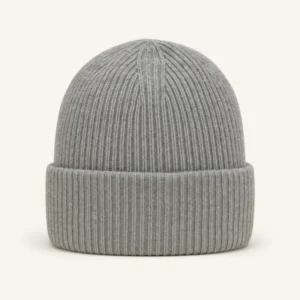
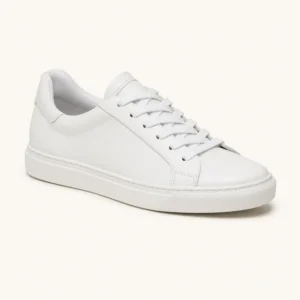
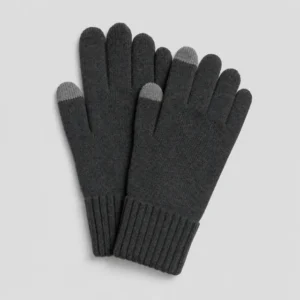
The fix is to know what the products look like. Personyze reads each product’s picture and title once and records its look: for fashion, the kind of item, colour, pattern, style, occasion, season and who it is for. It then blends that look with what real shoppers bought and viewed. Bought together turns into outfits, viewed together turns into similar style, and the look fills in wherever there is no data yet.
It is tuned per industry, too. Personyze works out the kind of shop from its catalogue and adapts: a fashion store gets complete the look, an electronics store gets accessories that fit the exact product, a furniture store gets the rest of the room. Nothing to configure. The seven practices below are the fashion version.
1. Complete the look on the product page, built from what shoppers bought
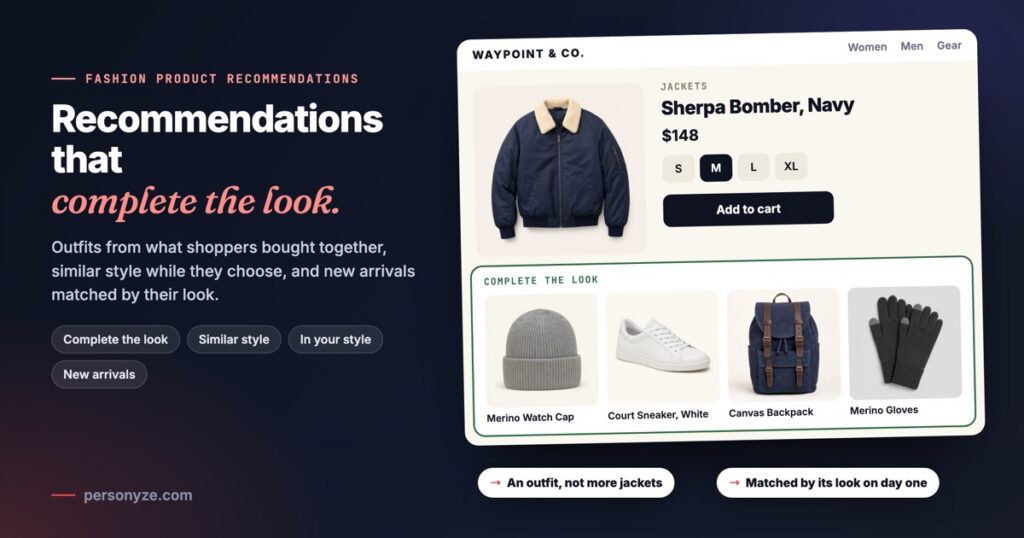
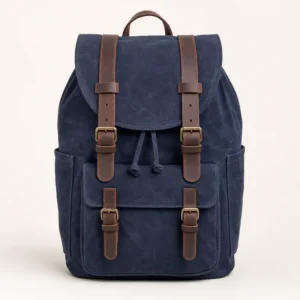
Once a shopper is on a product page, the most useful row is what goes with the item: pieces of other kinds that make an outfit. A navy bomber gets a watch cap, white sneakers and a backpack. Never twelve more bombers.
The best raw material is what your shoppers actually bought together, the logic behind customers who bought this item also bought. But only after the noise is taken out:
- Never the same item in another size. Shoppers who order an M and an L to try both are not building an outfit.
- Children’s items apart from adults’. A parent’s coat and a child’s hat in one order are two people’s shopping.
- Items bought with everything stay out. Gift cards pair with every product, so they say nothing about any of them.
- The most-bought pairs first. Rank pairs by how many shoppers made them, so a combination many people bought leads one that two people happened to buy.
- Add-ons priced below the main item. A $39 cap beside a $148 jacket is an easy yes; a second jacket is not.
CARD
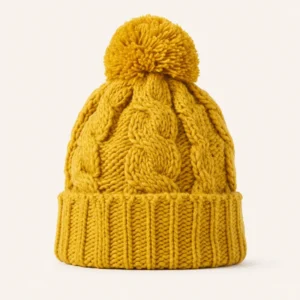
Personyze does this clean-up by itself, because the look tells it that two products are the same item in two sizes, or that one of them is a child’s. It also learns which looks go together, not only which items. If shoppers who buy black sporty hoodies also buy black track pants, a hoodie added yesterday is matched the same way.
Put it under the product, after the description, and in the cart for what is already there. On a store with look data, the Automatic algorithm includes complete the look on product pages without being asked.
2. Similar style for shoppers still choosing
Not every shopper on a product page has decided. Someone on their third jacket is comparing, and an outfit for a jacket they may not buy comes too early. For them, show similar style: the same kind of item in a matching style, at a similar price.
This is where “viewed together” earns its place. Shoppers who view items together are usually comparing alternatives, the logic behind customers who viewed this item also viewed. Shoppers who buy items together are building an outfit. Feed each widget from the signal that matches its job:
oror+++- Each product once. A jacket in five colours is one card, not five. The row is for alternatives; the colour is chosen on the product page.
- A similar price. Alternatives stay in the price band of the item on screen, so the comparison is fair.
- Best match first, when you want the closest styles at the front.
Put it higher on the page than complete the look, where a shopper who is still deciding sees it before scrolling. If you want both rows on product pages without crowding them, a targeting rule can show similar style to shoppers with nothing in the cart, and complete the look to everyone else.
3. In your style, across the site
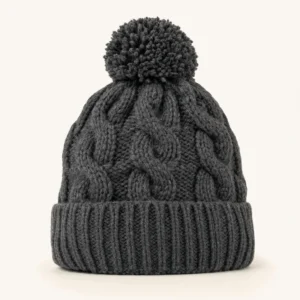
A product page is about one item. The rest of the site — the home page, category pages, emails — is about the shopper. “In your style” ranks items by the looks this visitor has browsed and put in the cart. Someone who keeps looking at navy, plain, casual winter pieces gets navy, plain, casual winter pieces, from every category, not only the one they browsed.
It is the fashion version of “recommended for you”, and it needs a few viewed products, not a purchase history. A first-time visitor with nothing to go on sees what is popular, or popular where they are, until they have browsed. To see a fashion store change around two different shoppers, open the fashion personalization example.
4. New arrivals, matched by their look from day one
In fashion, the products that most need recommending are the ones nobody has bought yet. A collection lands, every item in it has no sales, and a purchase-only algorithm leaves all of it out of every row — and leaves its product pages with nothing underneath.
Personyze weighs two signals for every product: what shoppers did, and how the product looks. A best seller is recommended mostly from real purchases. A new arrival is recommended mostly from its look, so it gets good recommendations, and turns up in other products’ recommendations, the day it is added. The balance shifts by itself as purchases build up; nobody moves a product from one mode to the other.
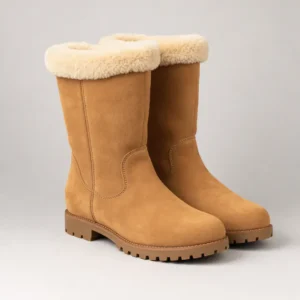
Because it learns which looks go together, a new parka starts with what shoppers already buy with parkas like it. A launch no longer needs a hand-built “shop the look” block for every product.
5. Match the visitor: size, brand, gender and a price like theirs
The algorithm picks what fits the product. Match rules put what fits the shopper first, and in fashion four of them do most of the work:
- Size, from the shopper’s own history: items in stock in their size move to the front.
- Brand, from their history: the labels they come back to.
- Gender: menswear first for someone who browses menswear. Unisex items match everyone.
- A price like theirs: items near what they usually look at, so a mid-price shopper is not shown the most expensive coat first.
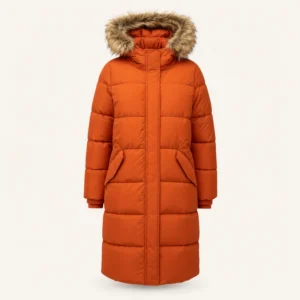
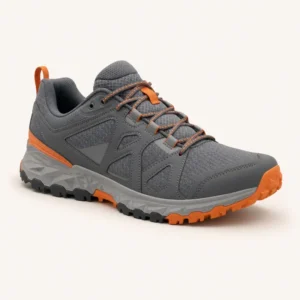
The algorithm still leads: the rules re-order its own top picks and never fill the widget with random items. The rules are shown with three shoppers side by side under Match the visitor.
6. Put each widget where it does its job
- Product page. Complete the look under the product; similar style higher up for shoppers still choosing. Never the product itself, and never what the shopper just bought.
- Cart. Complete the look for everything in the cart, priced below the main items: the last moment an extra piece is an easy add.
- Home page. In your style for returning shoppers, new arrivals matched to their look included; popular items on a first visit.
- Email. In your style, picked at the moment the email is opened rather than when it was sent (see open-time email recommendations), and after an order, what goes with what they bought.
Keep every list full. When one source runs thin — a product with few purchases, a shopper with little history — the next one fills in, so a row is never half empty. The page-by-page setup is in the product recommendations playbook, and every algorithm is described in recommendation engine algorithms.
7. Measure each recommendation source, not only the widget
A complete-the-look row is fed by more than one source: what shoppers bought together, the look, and a fallback such as best sellers when both run thin. Measure only the widget and you cannot tell which of them is selling.
Personyze measures clicks and purchases for each recommendation source, so you can see whether bought-together pairs or look matches carry the row, and how often the fallback is doing the work. Whether the widget adds sales at all is a separate question: keep a share of visitors on the page as it was, and compare orders and revenue, not clicks. How to read that test is in how to read A/B test results.
Setting it up
There is little to set, and that is deliberate:
- Set up with AI. Connect your store — Shopify, Magento, WooCommerce, BigCommerce or Shopware, a product feed, or Personyze reads your product pages — and the guided setup reads your products, what visitors look at and your kind of shop, finds the spot on your home, product and cart pages, and places each widget in your store’s look. Nothing changes on your site until you publish.
- Nothing to configure. The Automatic algorithm includes complete the look on product pages for shops with look data.
- Reading product pictures is one switch, in Recommendation settings.
- The cost comes first. Before you switch it on, you see the estimated cost in AI credits for your own catalogue, and you choose Best quality (the default) or Standard.
Connect your storeOr a feed, or we read your pages
It reads your storeProducts, views, your kind of shop
Where to show themHome, product and cart pages
Check it, then publishAs a real shopper would see it
Then check it as a real shopper before anyone sees it. Product recommendations, start to finish walks through the preview, the test against no widget and the results.
The checklist
- Complete the look under the product and in the cart, from what shoppers bought together: no same item in another size, no children’s items beside adults’, no gift cards.
- Similar style for shoppers still choosing: the same kind of item, a matching style, a similar price, each product once.
- In your style on the home page, category pages and in email.
- New arrivals recommended from their look on the day they are added.
- Match rules for size, brand, gender and a price like theirs.
- Add-ons priced below the main item; nothing the shopper just bought.
- Clicks and purchases read per recommendation source, and the widget tested against no widget.
More to look at: AI product recommendations on an online store, page by page, and the fashion personalization example. For the rest of a fashion site — banners, promotions, the cart — see personalization for fashion websites.
Questions people ask
What product recommendations work best for a fashion store?
Three, each in its place. Complete the look under the product and in the cart: pieces of other kinds that make an outfit. Similar style for shoppers still choosing: the same kind of item in a matching style, at a similar price. In your style on the home page, category pages and in email: items ranked by the looks the shopper browsed. New arrivals should be recommended from their look from the day they are added.
How is complete the look different from frequently bought together?
Complete the look starts from what shoppers bought together, then removes the pairs that cannot be an outfit: the same item in another size, children’s items next to adult ones, and items bought with everything, such as gift cards. What is left is pieces of other kinds, ranked by how many shoppers bought them together.
How can a new product get recommendations before anyone buys it?
From its look. Personyze records each product’s kind, colour, pattern, style, occasion, season and who it is for, and learns which looks sell together. A new arrival is recommended mostly from its look, and the balance shifts towards real purchases as they come in.
Do I have to tag my products with colours and styles?
No. Personyze reads each product’s picture and title once and records its look. Reading product pictures is one switch in Recommendation settings, and you see the estimated cost in AI credits for your own catalogue before you switch it on.
How do I know which recommendations are selling?
Clicks and purchases are measured for each recommendation source, so you can see whether bought-together pairs, look matches or a fallback carry the widget. To measure what the widget adds, compare against a share of visitors who see no widget.
Book a demo with a personalization expert
30 minutes with a personalization expert. Bring your stack, your goals, your skepticism. We'll show you what changes when every visit feels like the only one.