
One grocery store, four front pages.
A first-time visitor is told the store delivers to their city. A weekly customer finds last week’s basket ready to reorder. A plant-based shopper gets vegan recipes, and anyone browsing after 5pm sees tonight’s dinner kits and a countdown to the delivery cut-off. Switch the shopper below to see all four.
Built with Geo-Targeting — see the feature →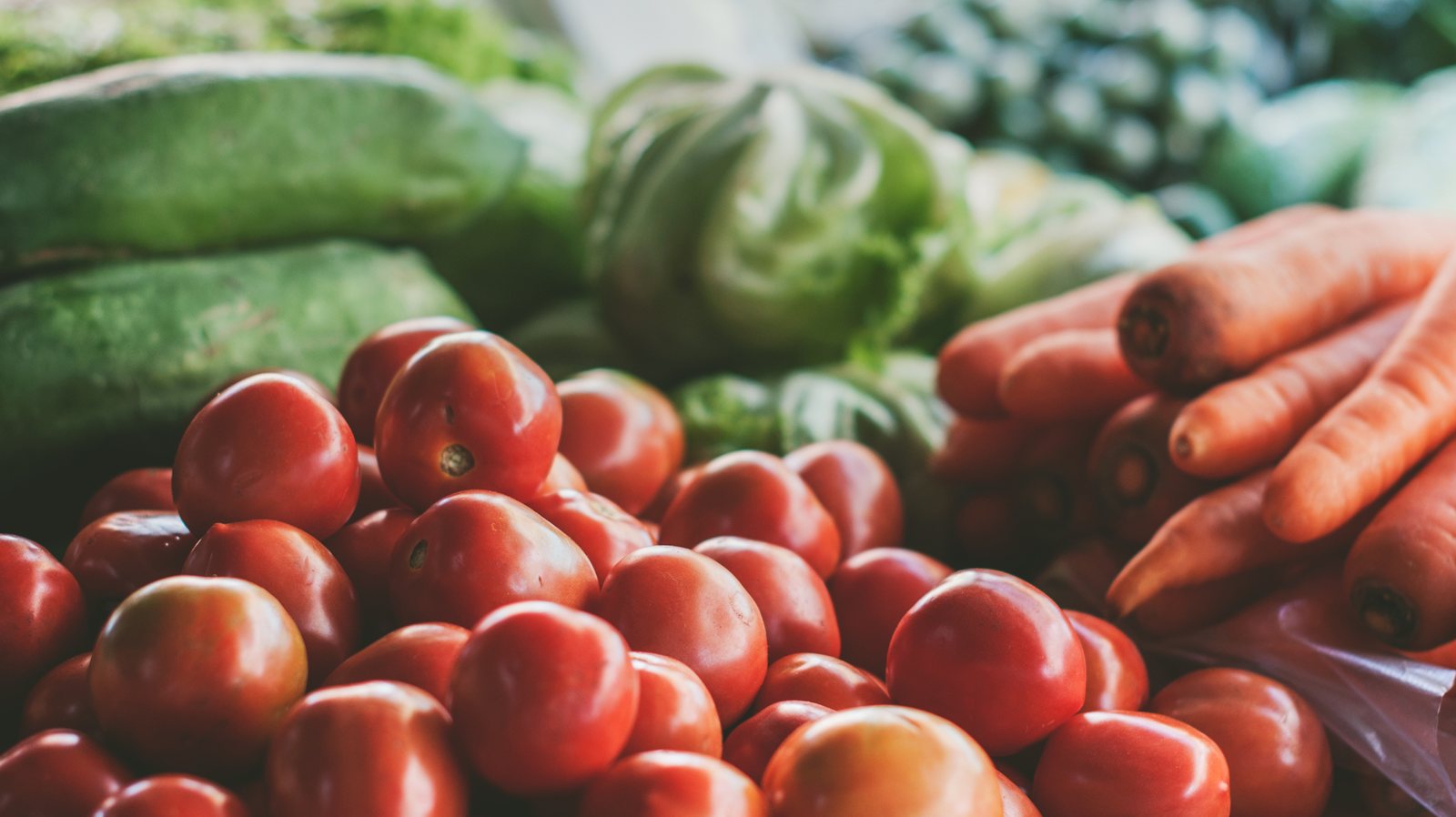
Yes, we deliver to Denver. Tomorrow morning, if you like.
Fresh produce, the pantry you already buy, and a first delivery that costs nothing. Pick a slot before you make an account.

I checked my ZIP before I made an account. Seeing the slot first is the reason I made one.First order — Capitol Hill, Denver
By city, by order, by habit and by the clock.
Connect the order feed
Past orders come in from the store’s order feed or a CRM, item by item. That is what lets a rule know a weekly customer is due, and what the buy-it-again recommendation lists.
Write one rule per shopper
City from the IP, days since the last order, the categories someone keeps opening, the hour on their clock. Each is a condition; combine them into an audience.
Swap the slots, not the store
The hero, the top strip, the recommendation rows and a countdown change per audience. Everything else on the page stays exactly as the store built it.
Free AI tool · Inspire me
See ideas like this for your own site.
How Personyze personalizes this grocery store.
The delivery check names the city
A first-time visitor from Denver sees Denver in the strip and the headline, because the IP resolves to a city on the delivery list. The first-order welcome beside it is shown to new visitors only.
Trending fills the row when there is no history
With no orders and no browsing to go on, the product row shows what is trending in the store this week. Returning customers get rows built from their own history instead.
Last week’s basket comes from the order feed
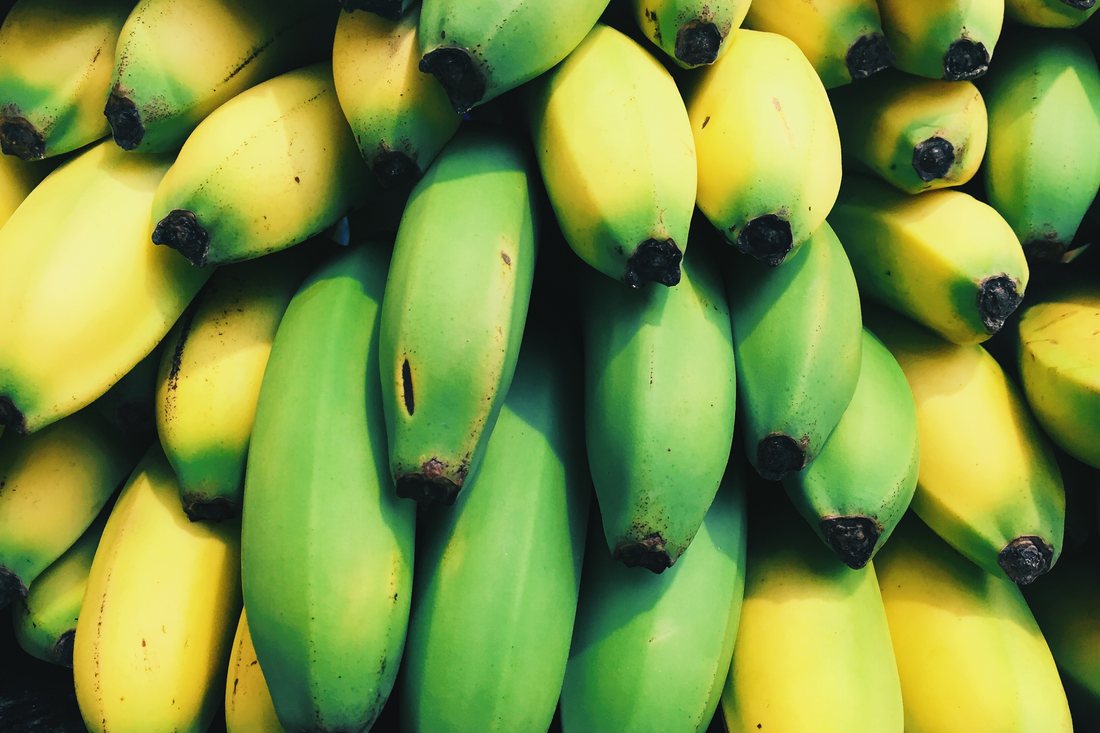
Order history synced from the store drives both the rule — a weekly customer, six days since the last order — and the content: the hero restates the last basket, the buy-it-again algorithm lists what this shopper has bought before, and a bought-together row adds what goes with it.
A habit changes the whole page
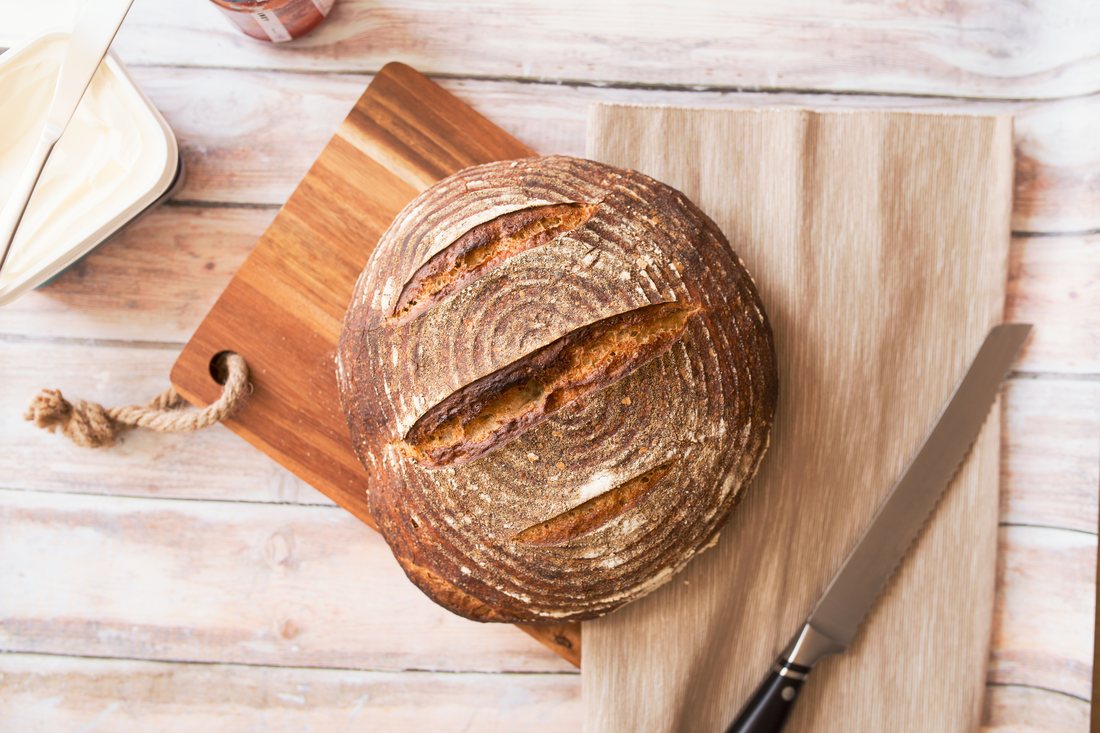
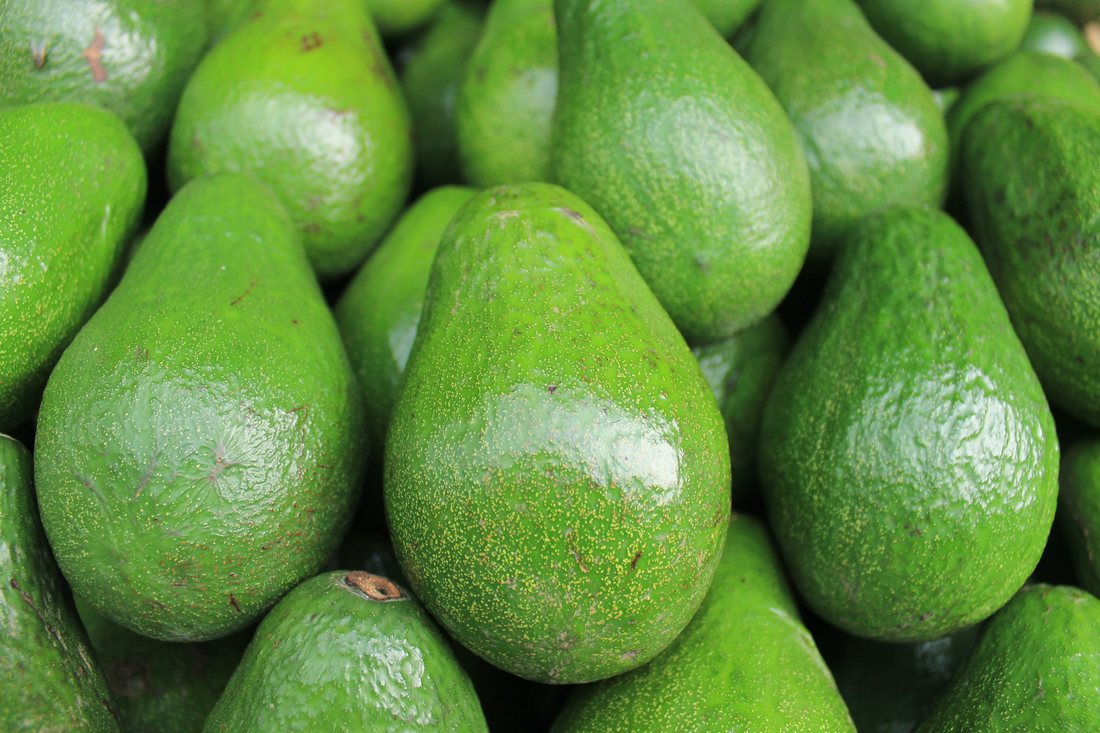
A shopper who opens Plant-based on every visit and has never ordered meat gets a plant-based hero, vegan recipes as content recommendations, and staples from the category they actually shop.
The countdown is tied to the clock
Between 5 and 10pm the hero turns to tonight’s dinner kits, and a countdown in the strip and the hero runs to the 10pm cut-off for next-morning delivery. At 10pm the rule stops matching and both are gone.
See how it is built, and where else it fits
Questions about this example
How does Personyze know a weekly customer is due to reorder?
Order history comes in from the store's order feed, a CRM or an imported list. A rule can then combine the number of past orders with the days since the last one, and the buy-it-again recommendation lists the items that shopper has bought before.
Can the page change by the visitor's city without asking for a ZIP code?
Yes. Personyze resolves the country, region and city from the visitor's IP address, so a first-time visitor from a city on the delivery list can see that city in the headline and top strip before typing anything. The ZIP code is still asked for to confirm the exact slots.
How is the delivery cut-off countdown shown only in the evening?
Time of day and day of week are targeting conditions. The dinner-kit hero and the countdown are shown to visitors whose local time falls between 5pm and 10pm, and the countdown runs to the cut-off. After 10pm the rule no longer matches and they disappear.
Personalize your store by city, order and hour.
Connect your order feed, write a rule for each kind of shopper, and let the hero, the rows and the countdown follow them — without rebuilding a page.