
Six promotions, one slot, four visitors.
This store keeps every offer in one list — banners, codes, a members’ preview — and the hero on its Outerwear page is a single slot that draws from it. For each visitor the AI picks the promotion most likely to convert them, a VIP who buys anyway gets no discount at all, and a panel shows why each one was picked or skipped. Switch the visitor below to see four different promotions on the same page.
Built with AI Promotion Manager — see the feature →
15% off your first jacket
A code of your own, saved for you — it is still yours if you come back next week.
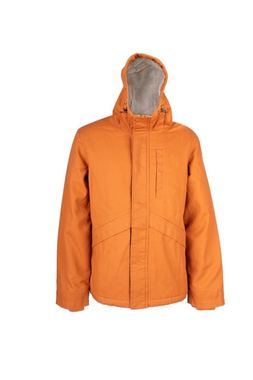
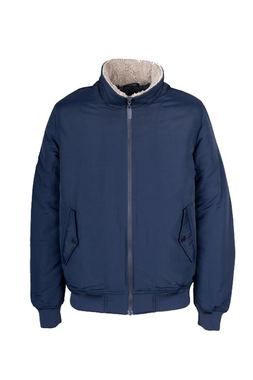

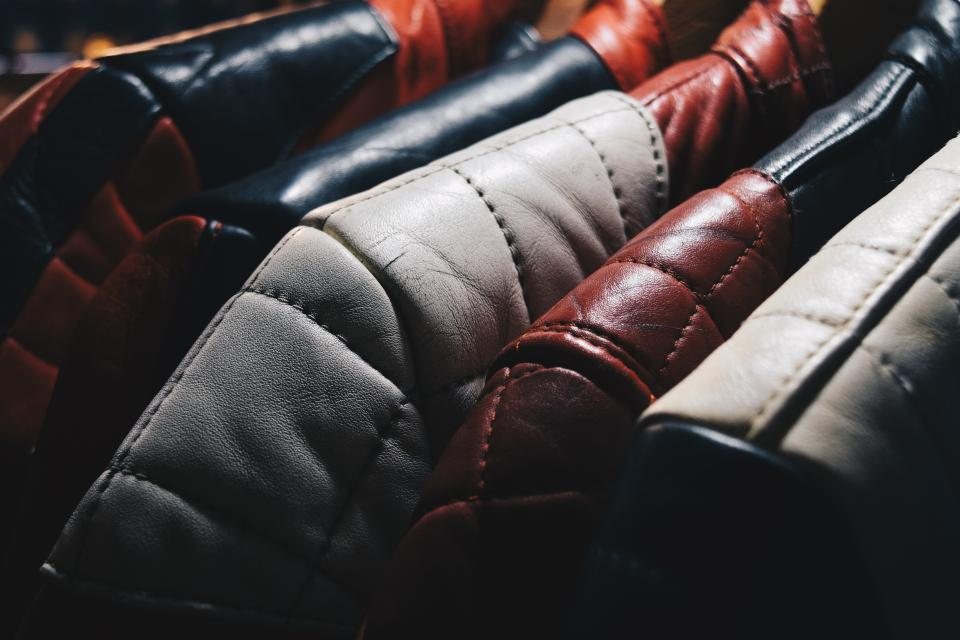
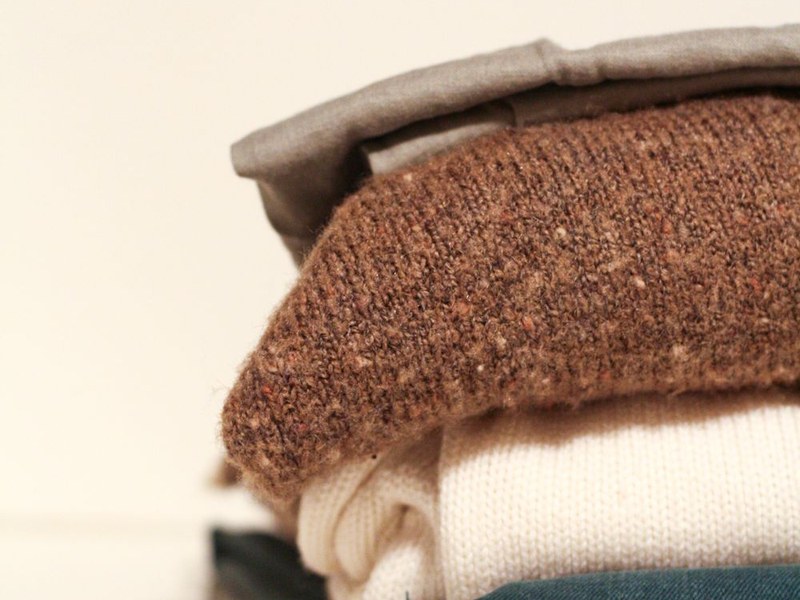



One list of promotions. The AI picks one per visitor.
List them once
Every promotion is a row with its dates, pages, audience, language and code. A new offer is a new row, not a new campaign — added by hand, from a file or a feed.
Let the AI pick
Only rows that fit the visitor are in the running. Among them the widget shows the one visitors like this one were most likely to act on, and keeps trying the rest.
Measure the lift
A share of visitors sees no promotion. The report compares everyone else with them, audience by audience, so discounts go to the people they actually move.
Free AI tool · Inspire me
See ideas like this for your own site.
How Personyze picks the promotion on this page.
One slot, one list, no campaign per offer
The hero on the Outerwear page is one Promotions widget, and the store’s six offers are six rows in one list. Switch between the visitors: the slot changes every time, the product grid under it never does.
Only the promotions that fit are in the running
A row is considered only when its dates, pages, language and audience match the visitor. The panel on the right is the “Preview as” view: each promotion with the reason it was shown, fitted but was not picked, or was skipped — no past order, cart under $100, not a VIP.
Among those, the AI chooses
The default learns which promotions visitors like this one bought from — by device, traffic source, new or returning — and Optimize keeps testing the others, so a new row still gets its chance. A widget can use a simpler rule instead, such as Matches this category or Most popular.
A code of their own, from a pool you load
The first-time visitor is handed KP-7Q4K from a pool of codes the store uploaded — one per visitor, and the same one if they come back. Copy code counts as revealed, a use at checkout as redeemed. The cart-value offer uses a shared code, TIER25. Personyze hands codes out; it does not create them.
The same promotion, in the visitor’s language
The down-jacket row has a Spanish version the store wrote, so a Spanish browser gets it, with the badge and buttons in Spanish too. “Ends soon” appears only because the offer really does end on Sunday. The rest of the store stays as it is.
No discount for the VIP, and nothing sold out
The discount rows are aimed at new and active customers, because the lift over the held-out visitors — illustrative in the VIP’s panel — shows VIPs buy as much without one. They get early access instead. The vest sale paused itself when the vests sold out, so nobody sees it.
See how it is built, and where else it fits
Questions about this example
How does Personyze decide which promotion each visitor sees?
Only promotions whose dates, pages, language and audience fit the visitor are considered. Among those, the widget shows the one visitors like this one were most likely to convert on, learned from device, traffic source, new or returning and what they browsed, while Optimize keeps testing the rest. The Preview as view lists every promotion with the reason it was shown, fitted but not picked, or skipped.
Does Personyze create the personal discount codes?
No. The store loads a pool of its own codes, and Personyze hands each visitor one from that pool and shows the same code again when they return. Shared codes such as TIER25 work too. Copying a code counts as revealed and using it at checkout as redeemed.
How do you keep discounts away from customers who would buy anyway?
Each promotion has its own audience, so discount rows can be aimed at new and active customers while VIPs, identified by a CRM field such as lifecycle stage, get early access instead. Holding back a share of visitors shows the lift over that group audience by audience, which is how a store can see that a discount does not move its VIPs.
Put your promotions in one list.
List every banner, line of text and code once, let the AI show each visitor the one most likely to work, and see the lift audience by audience — on a store, a travel site or a pricing page.