
Three Surveys We Run on Our Own Site, and What Each Answer Does
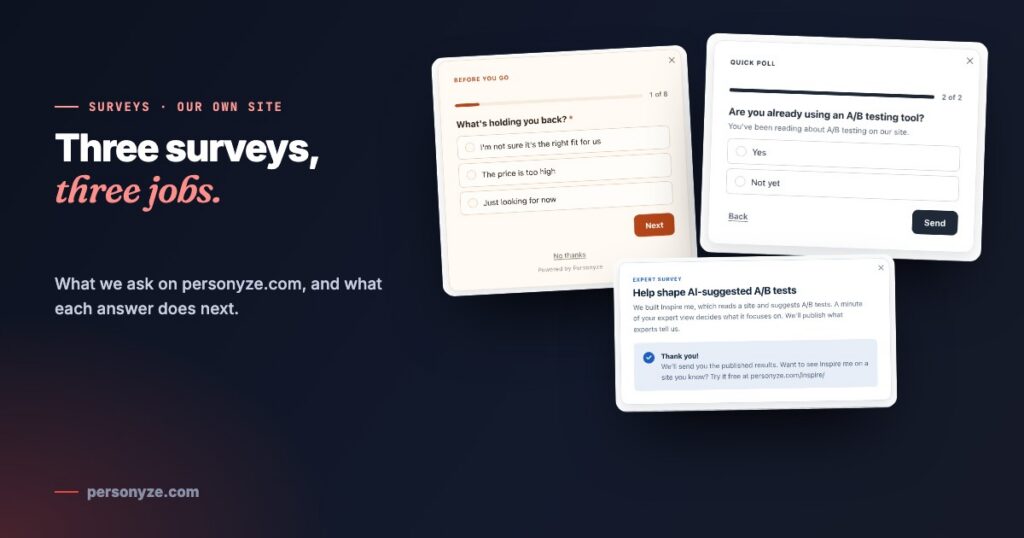
We sell personalization, so our own site is where we try things first. Three surveys run on personyze.com, each with a different job: one answers visitors who are about to leave, one learns what a reader came for, and one collects expert opinion that we will publish.
They have one thing in common. No answer goes into a report and stops there — each one changes what happens next, for the visitor or for us.
1. On the way out: the pricing-page exit survey
New visitors who are about to leave the plans page are asked one question: what is holding you back? Each answer has its own ending. “Not sure it’s the right fit” is offered a short demo and ends on a booking calendar. “The price is too high” is asked about budget, then offered a trial or a free proof of concept to match. “Just looking” ends after one tap.
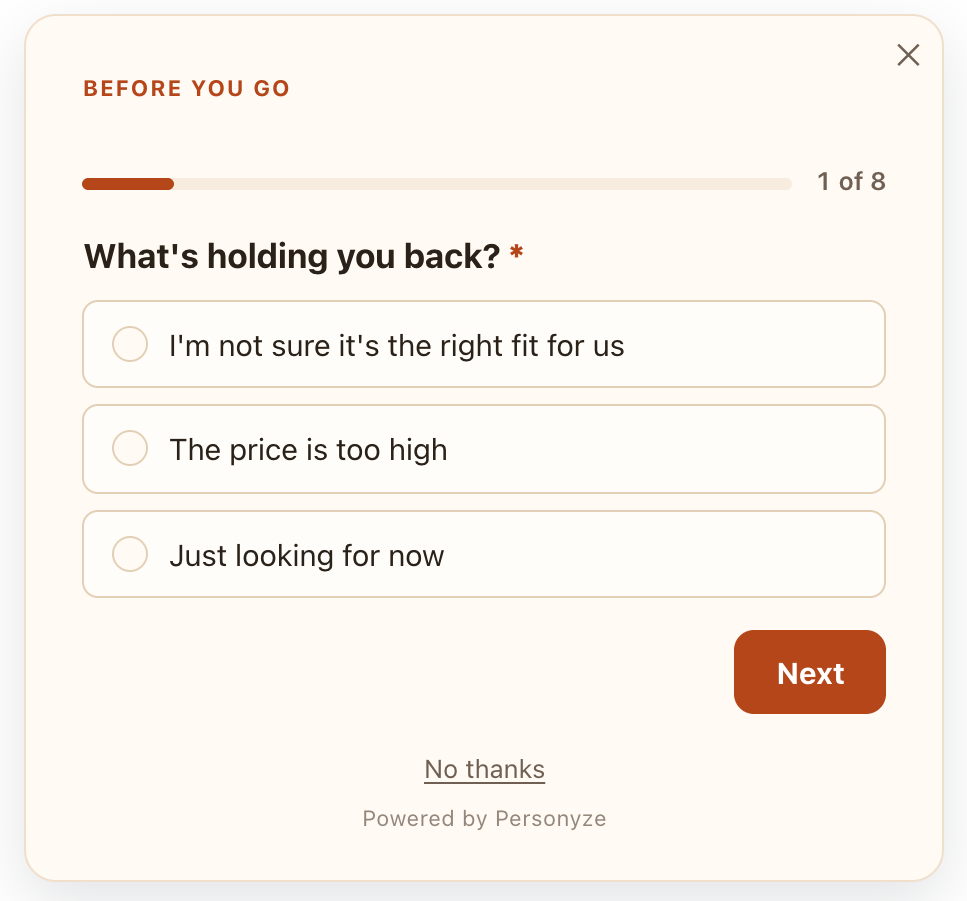
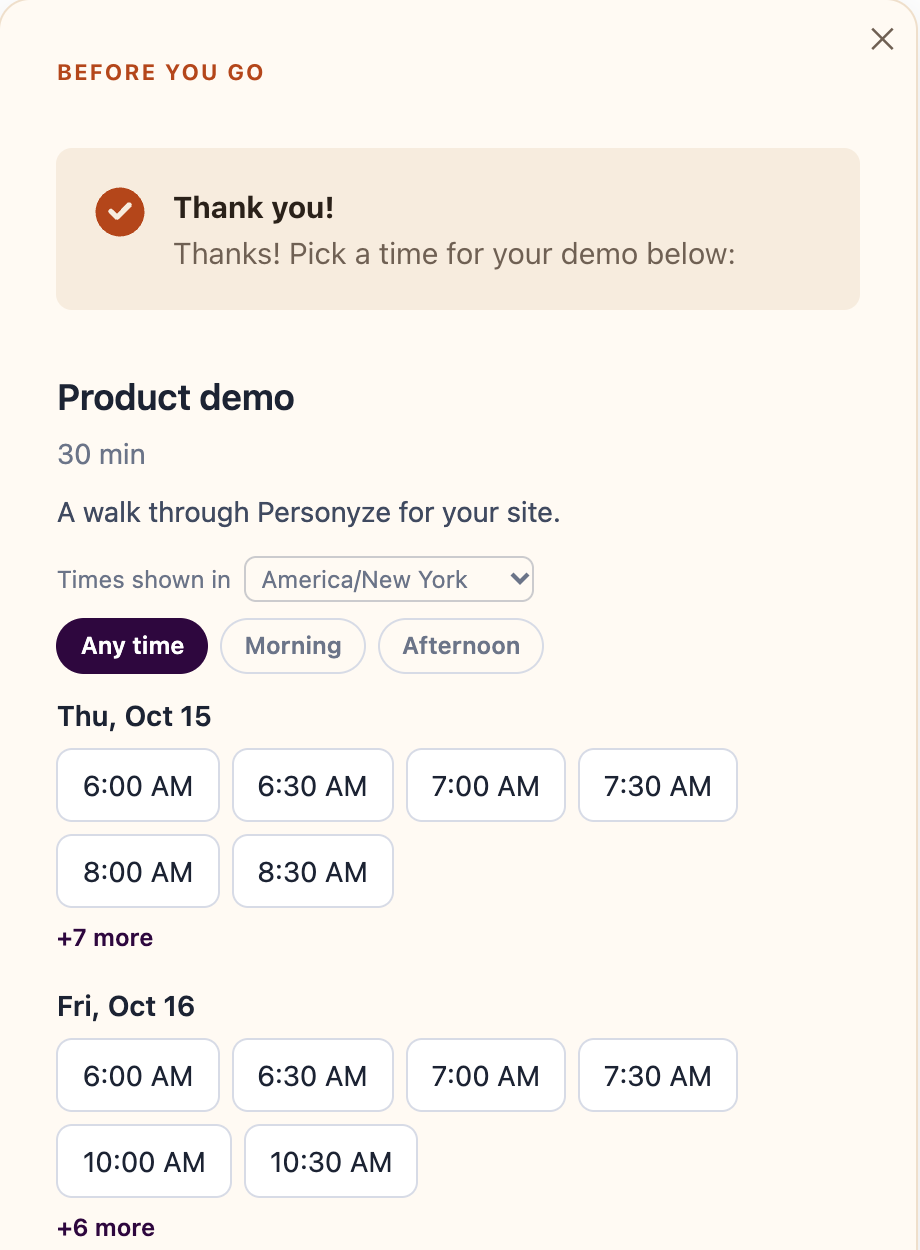
Its job is to turn a departure into a next step. Every screen, every rule and the report are in Exit-intent surveys: ask why visitors leave, then answer the reason.
2. While they read: a quick poll that skips what it already knows
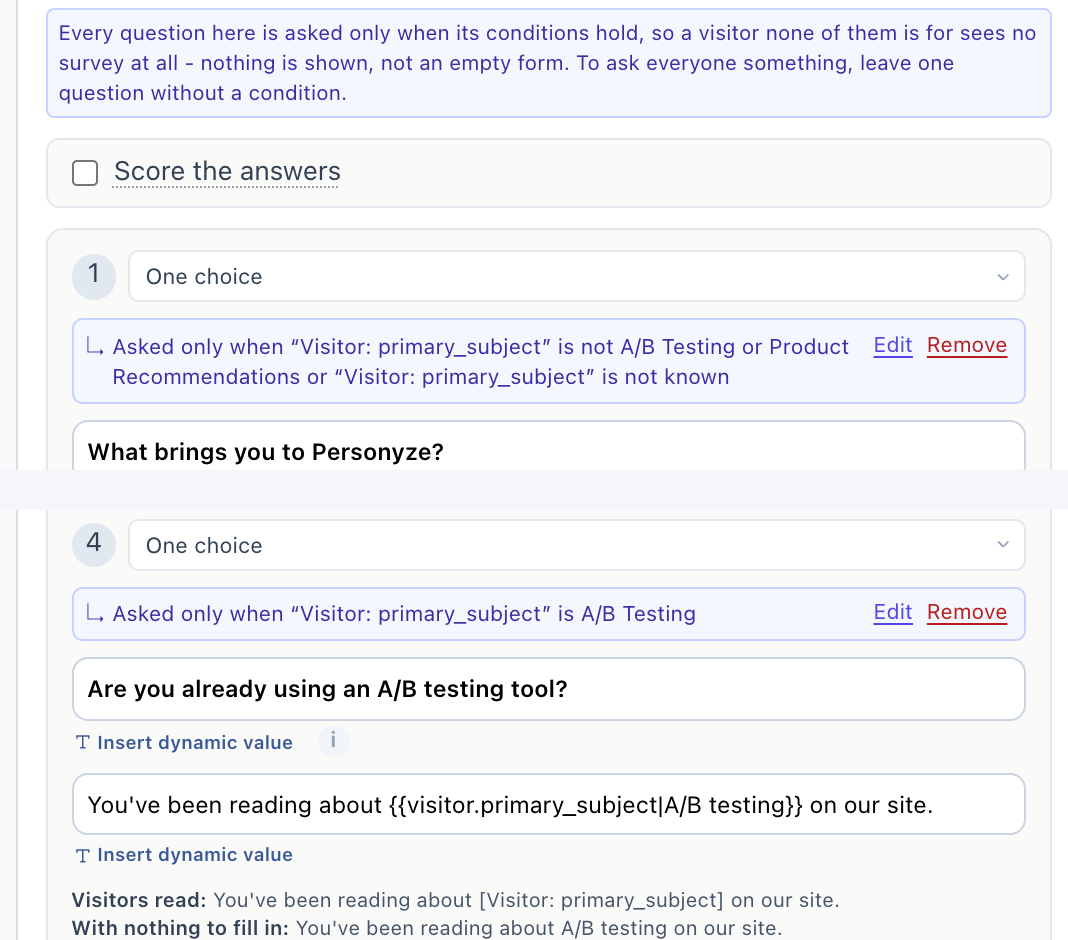
On our feature and solution pages, a small poll slides in once per visitor and asks what brought them. The interesting part is who does not see that question. The visitor profile already records the subject a visitor has been reading about, and the poll uses it: someone who has spent their visit on A/B testing pages is never asked what brought them. They go straight to the question that follows from it.
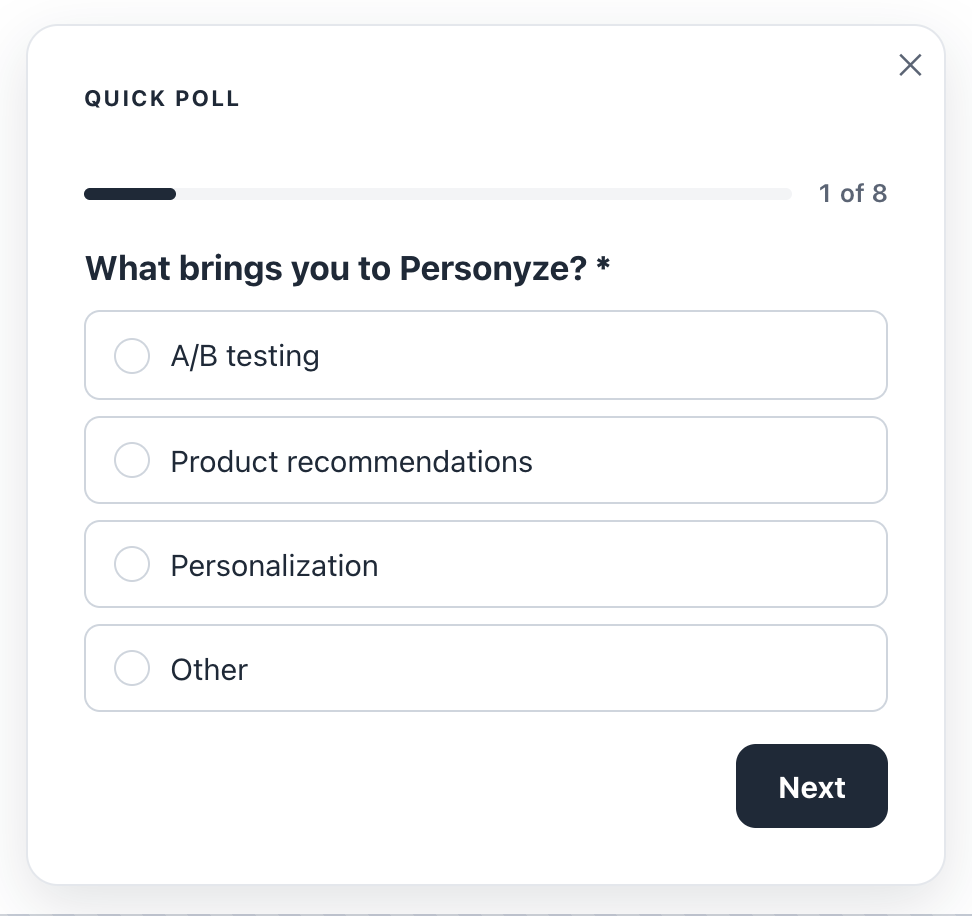
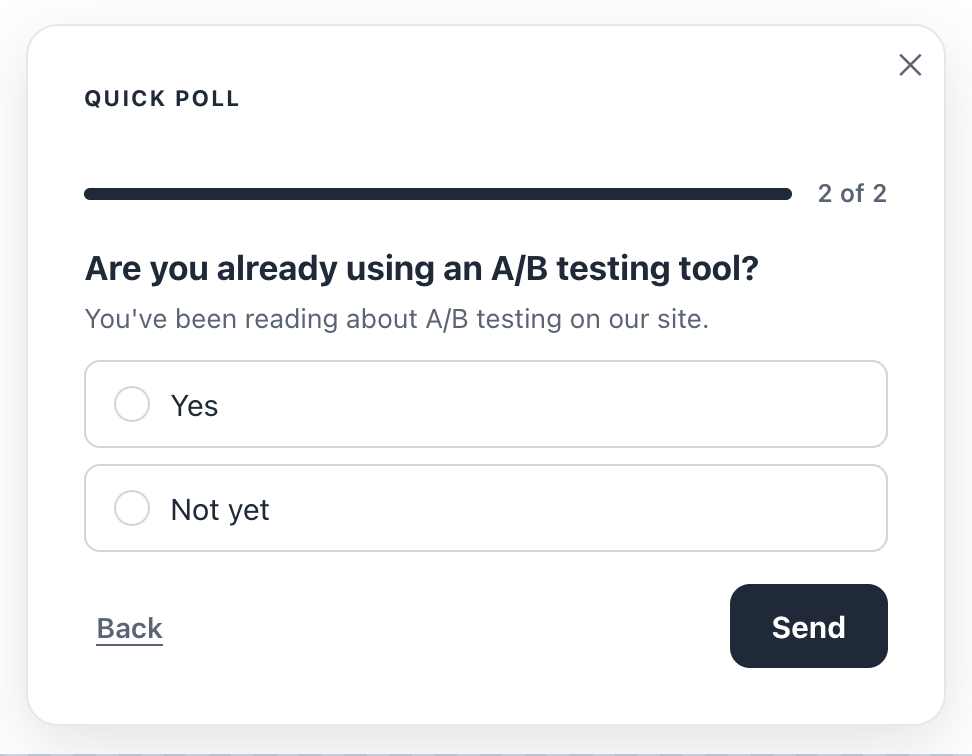
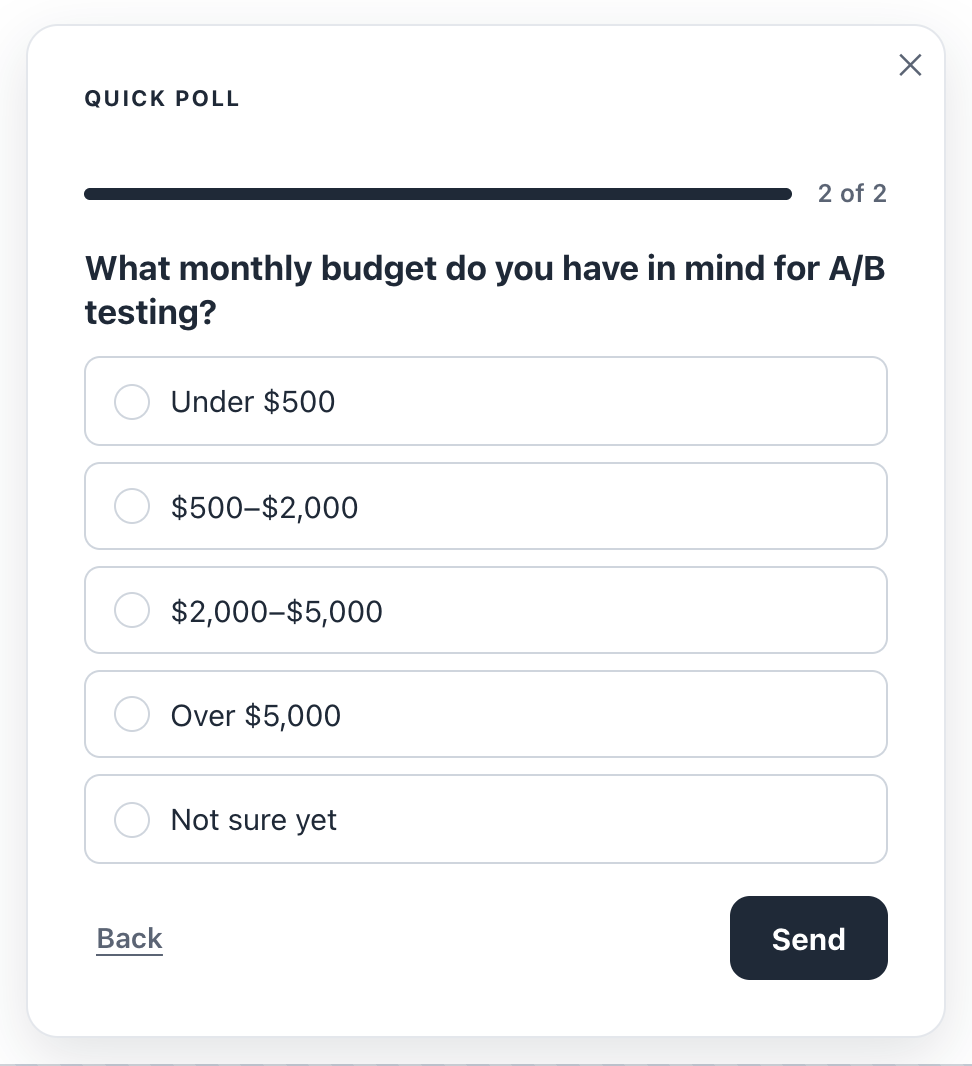
The follow-ups repeat the earlier answer in their own wording — “What monthly budget do you have in mind for A/B testing?” — with a fallback word when there is nothing to fill in. Product recommendations get their own branch: which store platform, and whether recommendations already run there.
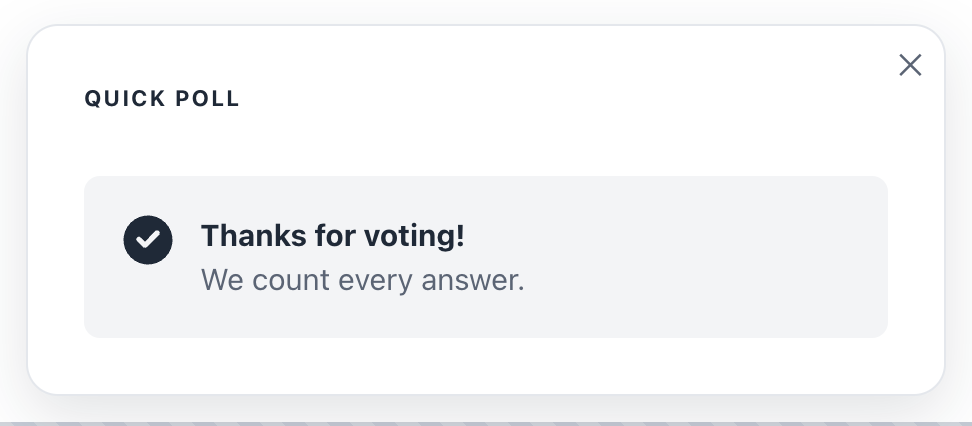
Every question is conditional, which has a useful side effect: a visitor none of the questions is for is shown no survey at all, not an empty one. Each answer is saved to a field on the visitor’s profile — what they came for, the tool they use today, their budget, their store platform — so campaigns can target it, and it shows on the visitor’s profile.
The same survey also has a page of its own, and the report says where each answer came from — the site or the survey page — so a link in a newsletter and a slide-in on a feature page can share one set of results.
3. For the record: an expert survey we will publish
Inspire me reads a website and suggests personalization ideas and A/B tests for it. To decide what those suggestions should focus on, we are asking the people who run tests for a living. The survey lives on a page of its own — a survey page, shared as a link or a QR code — so it can travel in a LinkedIn message with no website around it.
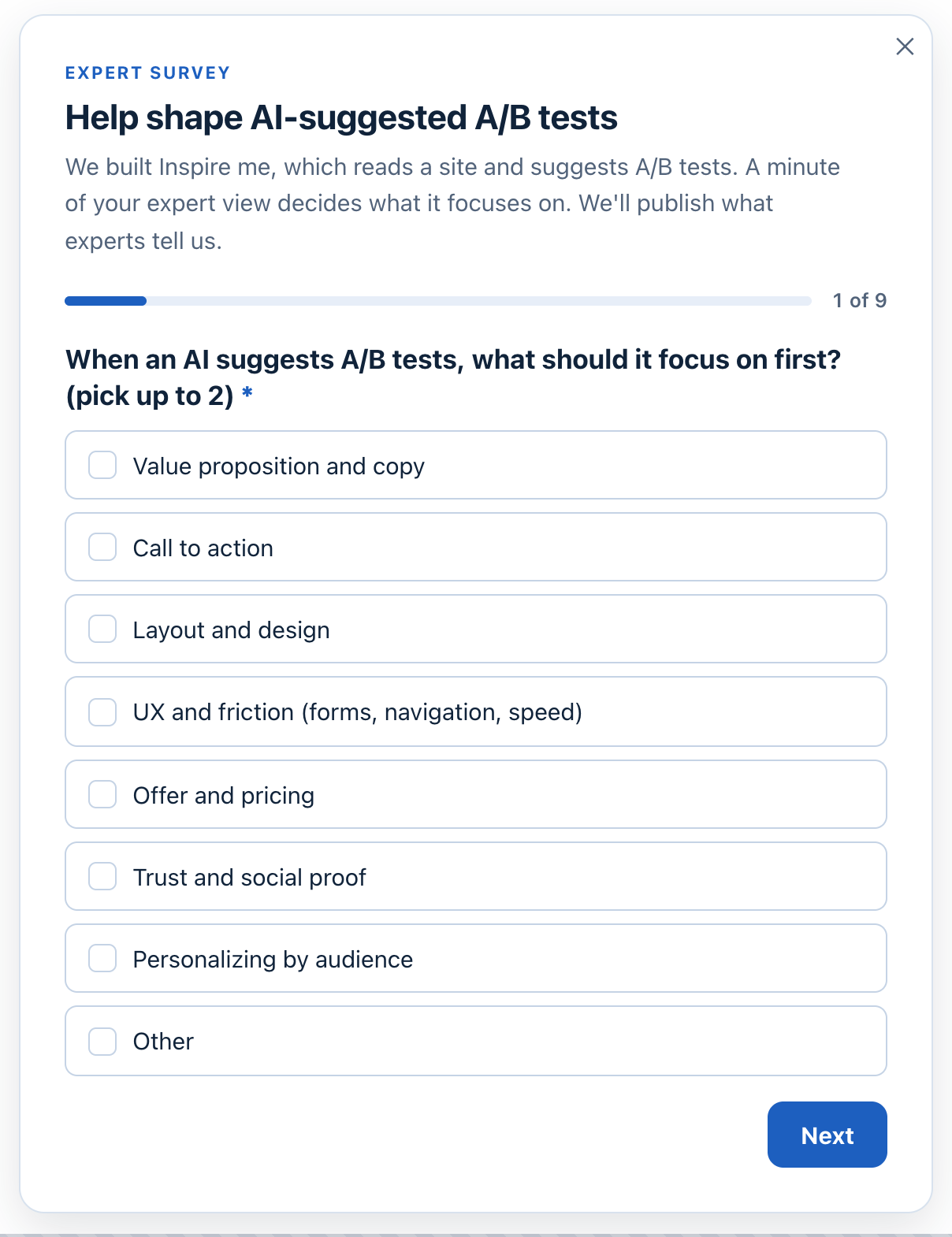
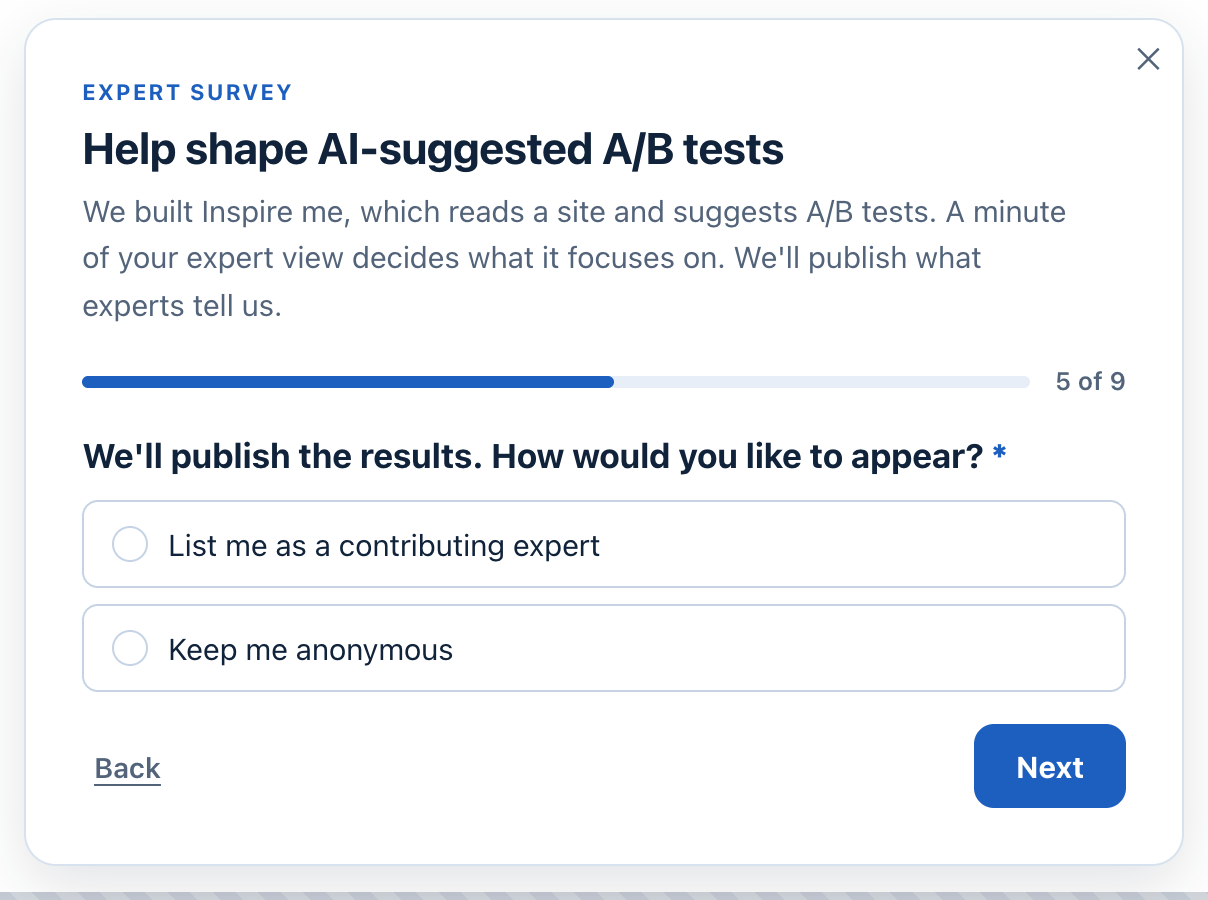
Run A/B tests for a living? Add your view — it takes about a minute, and you can be listed as a contributing expert or stay anonymous: Help shape AI-suggested A/B tests.
Publishing the results, and only the results
When enough experts have answered, the totals go on our site with the Survey Results action, the same one our customers use to publish a poll. It shows bars and percentages, an average, or one line such as “82% of visitors chose…”, for the questions you pick. It stays honest by design:
- Only totals — never one person’s answers, and never the written ones.
- Only the questions you tick.
- Nothing at all until the minimum number of answers is reached — 20 by default.
- Recounted as new answers arrive, so the card keeps up on its own.
We will publish what the experts tell us in a post of its own, with the totals shown live.
What the three have in common
- Each asks where the question makes sense. On exit at the pricing page, while reading a feature page, by link to a chosen audience.
- Each skips what is already known. A question can depend on an earlier answer, a score, or what the profile knows about the visitor.
- Each answer leads somewhere. A booking, a trial, a field a campaign can target, a result we publish.
- Each is read per question. The report shows who was asked what, the answers by country, device, traffic source and page, and where people stop.
More on the feature: Surveys & NPS, and the wider pattern in on-site surveys that change the next page.
Questions people ask
Can a survey skip questions the visitor has already answered elsewhere?
Yes. A question can be asked only when an earlier answer, the score so far, or something on the visitor’s profile calls for it — such as the subject they have been reading about.
Can a later question repeat an earlier answer?
Yes. Insert dynamic value puts an earlier answer or a visitor value into a question’s wording, with a fallback for when there is nothing to fill in.
Can I run a survey without a website?
Yes. A survey page is a survey on a page of its own, shared as a link or a QR code — in a message, an email, on a receipt or a package.
Can I show survey results on my site?
Yes, with the Survey Results action: bars and percentages, an average or one line, for the questions you choose, and only once enough people have answered. Written answers are never shown.
Where do survey answers go?
To the survey’s report and CSV, to your form submissions, and optionally to email, Slack, HubSpot, a webhook or Zapier. A question can also save its answer to the visitor’s profile for targeting.
Book a demo with a personalization expert
30 minutes with a personalization expert. Bring your stack, your goals, your skepticism. We'll show you what changes when every visit feels like the only one.