
Content and Product Recommendations: Every Article Paired With the Products It Is About
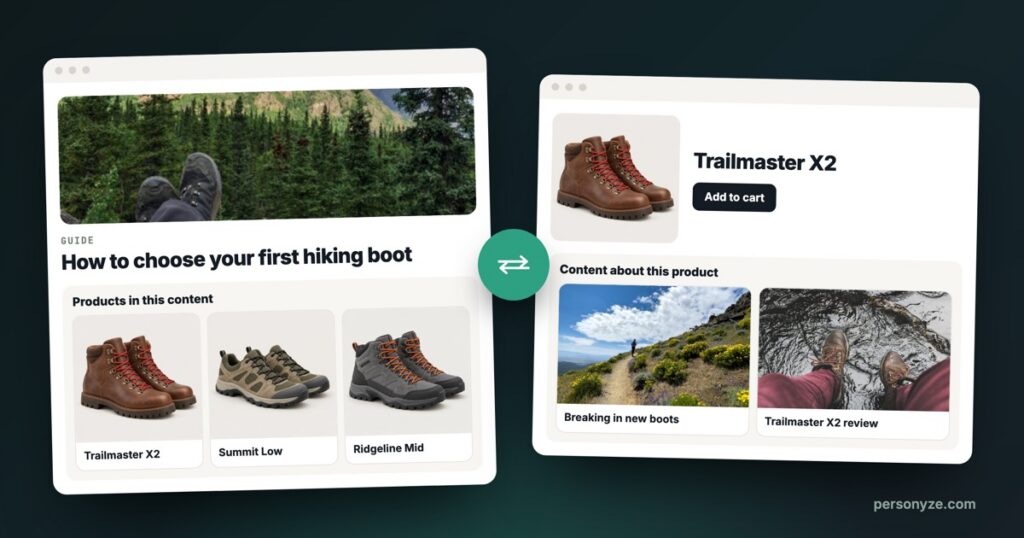
Many stores publish good content and run it as a separate site. A buying guide mentions three boots and links to one; the page for one of those boots never shows the review written about it. Shoppers who would happily read and readers who are ready to buy walk past each other.
Personyze connects them. It pairs your site’s articles, the blog posts, guides and reviews, with the products they are about. Shoppers get relevant reading, and readers get products they can buy.
What it does
The pairs are read in both directions, as two recommendations you can place like any other algorithm:
- Products in this content, on an article page: the products the article is about.
- Content about this product, on a product page: the articles about the product the shopper is viewing, never ones they have already read.

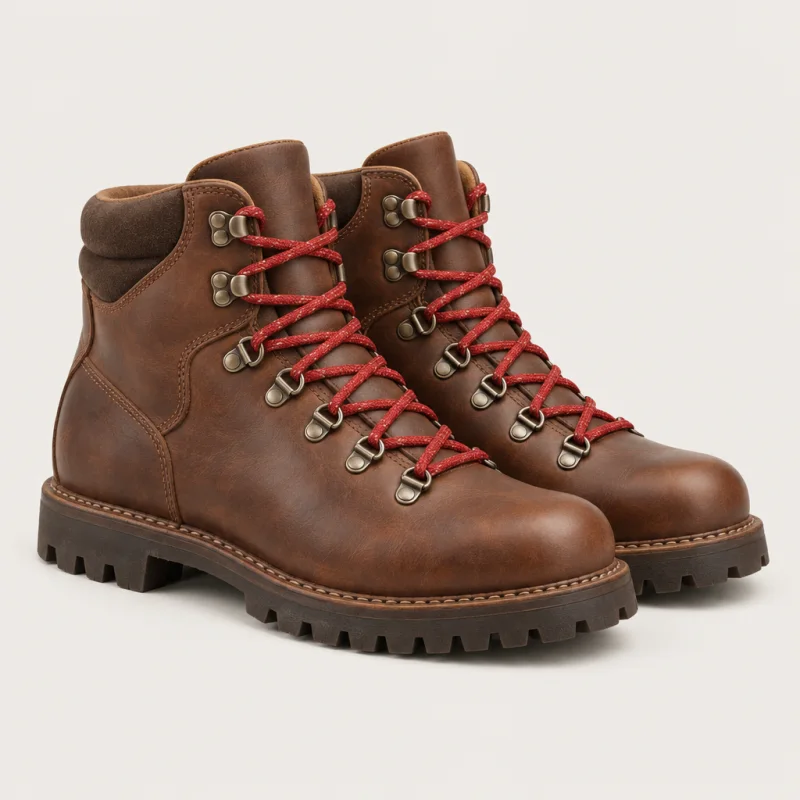
Start with the ground you walk on. For rocky, wet trails, a mid boot like the Trailmaster X2 holds your ankle…
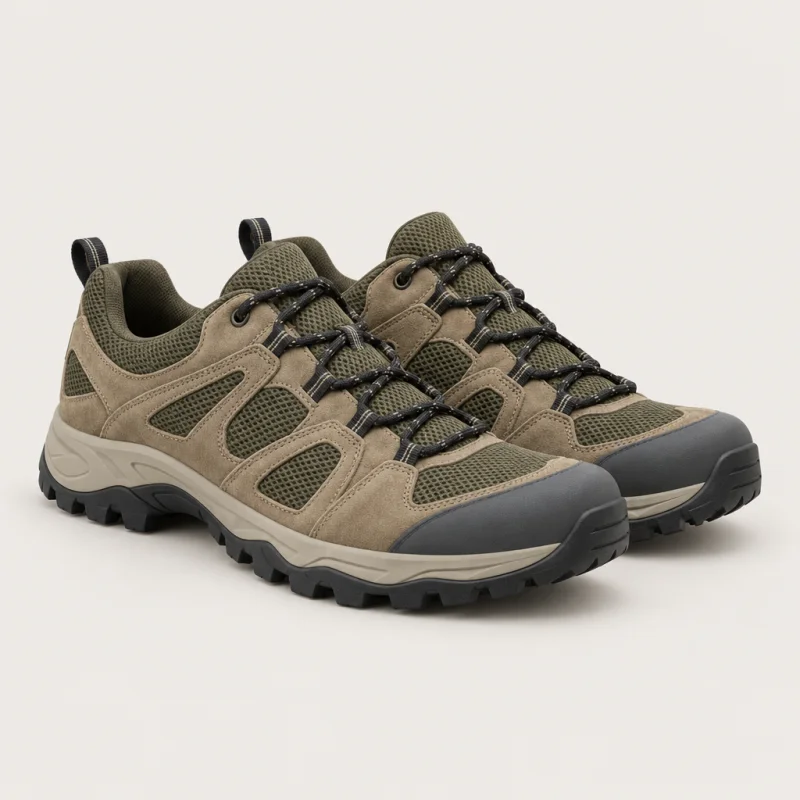
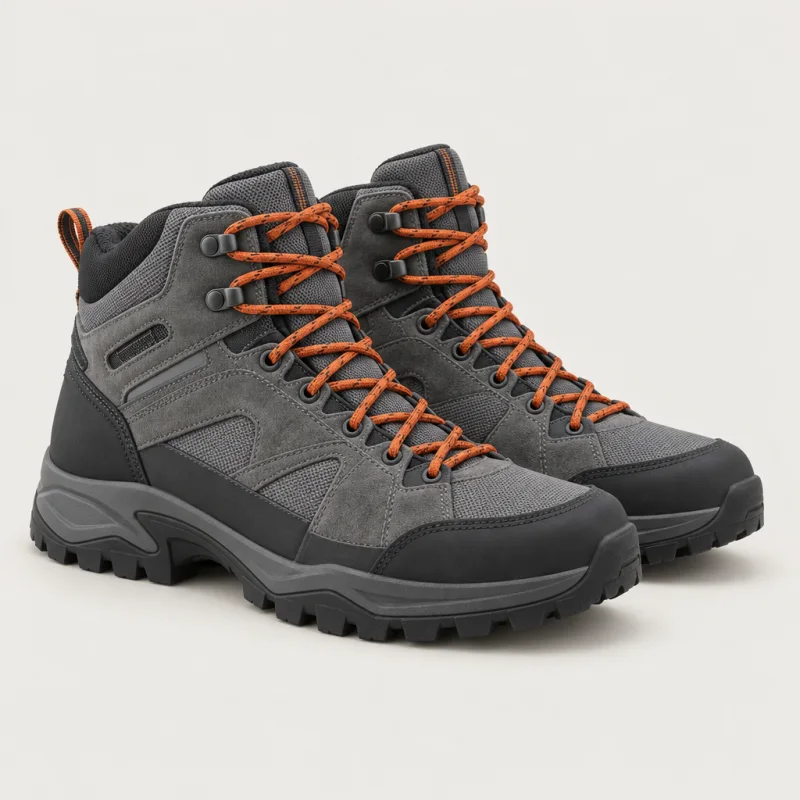
For dry, fast days, the Summit Low is lighter; the Ridgeline Mid sits between…


How it decides what goes together
For every article and every product, Personyze looks for three kinds of evidence that they belong together, strongest first. The third, the topic match, is the same AI reading of your catalog that powers Similar items (AI):
- 1Readers click throughThe article links to the product, and readers actually follow that link.Example“…a mid boot like the Trailmaster X2 holds your ankle”: the guide links to the boot, and readers of the guide open it.
- 2The article names the productIt mentions the product’s line or model.Example“…the Summit Low is lighter; the Ridgeline Mid sits between”: no link, but both are named.
- 3Same topicAI judges that the article and the product are about the same thing, even if the product is never named.Example“Waterproofing your leather boots” never names a boot, and it is about the Trailmaster X2, a leather boot.
The pairs are rebuilt every night, so the articles you publish and the products you add are included automatically. There is nothing to tag and no list of links to keep by hand.
Where it works
The same pairs serve four kinds of page:
| Placement | Recommendation | What the visitor sees |
|---|---|---|
| Article page | Products in this content | The products this article is about |
| Product page | Content about this product | Articles about the product they are viewing, never ones they have already read |
| Home page | Products in this contentContent about this product | Articles about everything they viewed, carted or bought (or only what they bought), and products from the articles they read |
| Category page | Products in this contentContent about this product | The same as on the home page, limited to that category |
On the home page you choose where it starts: everything the visitor viewed, carted or bought, or only what they bought. On a category page it works the same way, kept to that category, so a visitor on Hiking boots sees the articles and products about boots.
An example: an outdoor gear store
- On the article “How to choose your first hiking boot”, the widget shows the three boots the guide mentions, then other boots on the topic.
- On the product page for the Trailmaster X2 boot, it shows “Breaking in new boots” and “Trailmaster X2 review”.
- On the home page, a returning visitor who bought the X2 sees “Waterproofing your leather boots”: a guide to getting more from what they bought.
Start with the ground you walk on. For rocky, wet trails, a mid boot like the Trailmaster X2 holds your ankle…
For dry, fast days, the Summit Low is lighter; the Ridgeline Mid sits between…
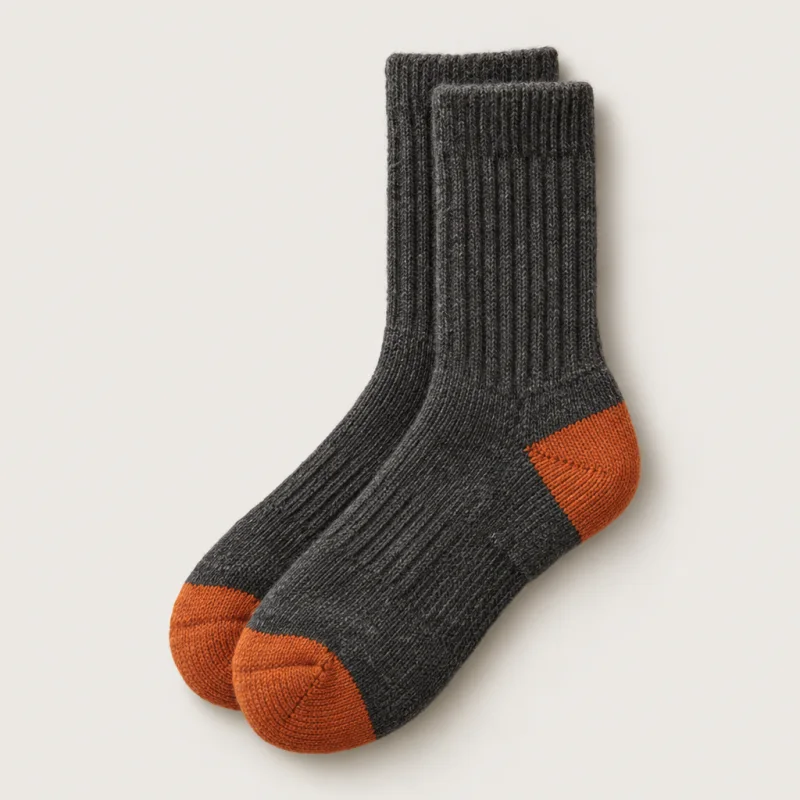
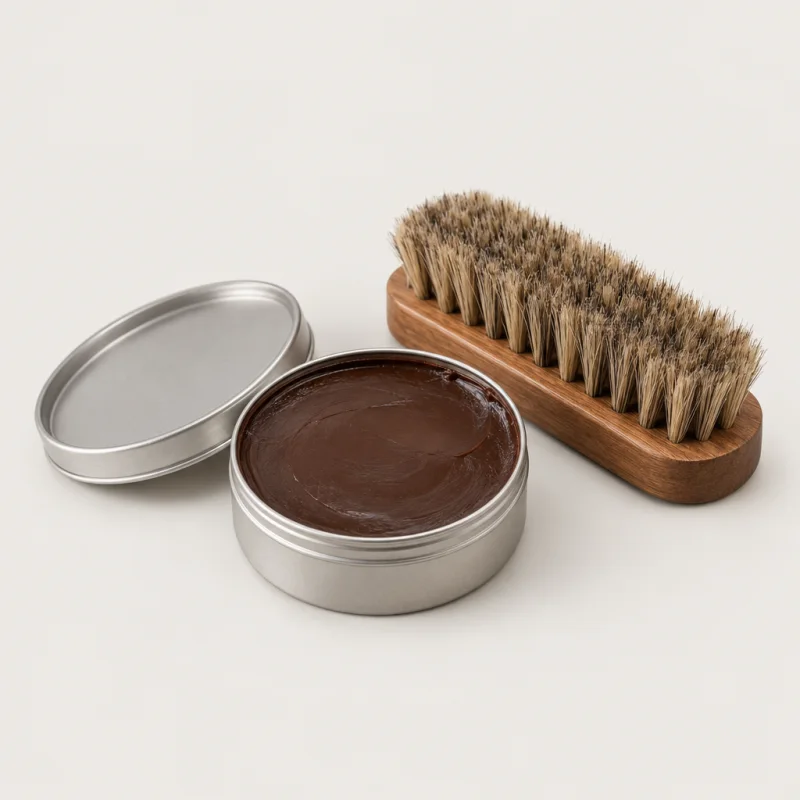
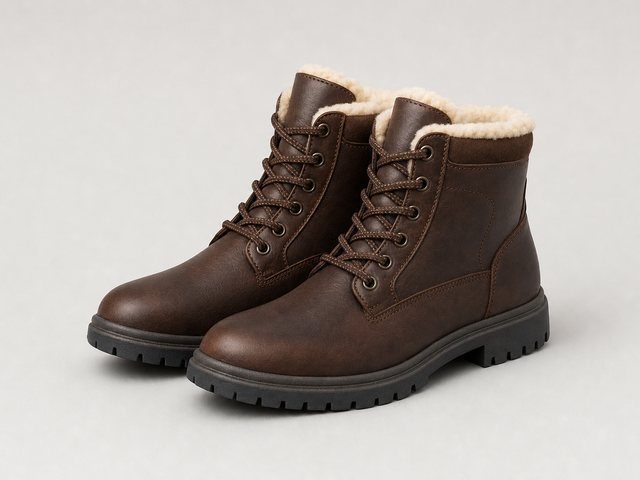 Welcome backBought last month: Trailmaster X2

What your account needs
- Both catalogues loaded: your products, and your articles. Content recommendations shows how articles come in, and product recommendations how products do.
- Similar items (AI) switched on. It is the AI that reads what each product and each article is about, which the topic match is built on. See Similar items (AI) in the algorithm library.
Without both, the two recommendations are greyed out in the list of algorithms, with a tooltip that explains what is missing, so you never place a widget that cannot fill.
Putting it on your pages
- On your article pages, add a recommendation widget and choose Products in this content.
- On your product pages, choose Content about this product.
- On your home and category pages, use either, or both in one widget with tabs.
- Preview it as a real visitor, publish to staging, then live, as with any recommendation.
The two recommendations are also offered in recommendation emails and through the JSON feed, so a follow-up email can carry the articles about what someone bought. For the rest of the setup, see content recommendations set up with AI and product recommendations set up with AI in the help center; for every other algorithm, the algorithm library.
Questions people ask
What are content and product recommendations?
Recommendations that pair a site’s articles, such as blog posts, guides and reviews, with the products they are about. On an article page, Products in this content shows the products the article is about. On a product page, Content about this product shows the articles about that product. Home and category pages can show both.
How does Personyze know which products an article is about?
It weighs three kinds of evidence, strongest first: readers click through from the article to the product; the article names the product’s line or model; and AI judges that the two are about the same topic, even if the product is never named. The pairs are rebuilt every night.
Does an article have to link to or name the product?
No. Links that readers follow and products the article names are the strongest evidence, but the topic match pairs an article with the products it is about even when it names none of them.
Will shoppers see articles they have already read?
No. Content about this product never shows an article the visitor has already read.
Do I have to tag articles or keep the pairs up to date?
No. The pairs are rebuilt every night, so the articles you publish and the products you add are included automatically.
What does my account need?
Both catalogues loaded, your products and your articles, and Similar items (AI) switched on. Without both, the two recommendations are greyed out, with a tooltip that explains why.
Book a demo with a personalization expert
30 minutes with a personalization expert. Bring your stack, your goals, your skepticism. We'll show you what changes when every visit feels like the only one.