
The Chat That Books the Meeting
Most website chat ends the same way. The visitor asks something real, gets a decent answer, and then types the sentence every sales team wants to hear — “can I get a demo?” — and the chat replies with a link. The visitor clicks it, lands on a booking page, finds a calendar for the wrong person, and the moment cools. The Personyze AI chat agent now closes that gap: when the conversation turns to a meeting, it books the meeting, in the thread, with the right person.
What it looks like from the visitor’s side
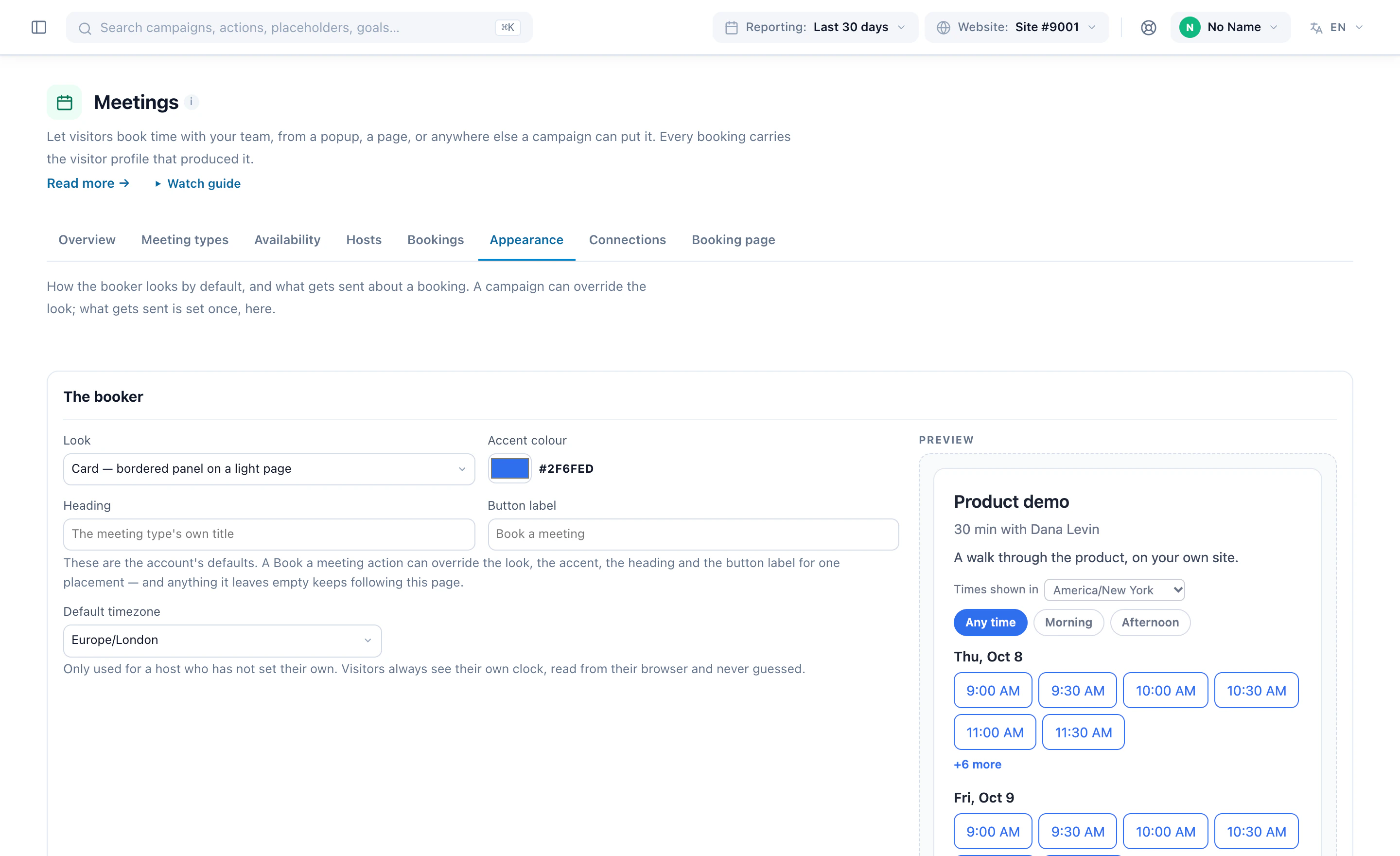
A visitor on the pricing page asks whether the recommendations work with their catalogue. The assistant answers from your own pages. The visitor says they would like to see it — and instead of a link, the next reply is a short row of times: Tuesday 14:30, Wednesday 09:15. They tap one. The confirmation appears in the same bubble, the invite is in their inbox, and it is on both calendars. They never left the conversation, and they never had to work out who at your company they were supposed to talk to.
How it decides who, how long, and when
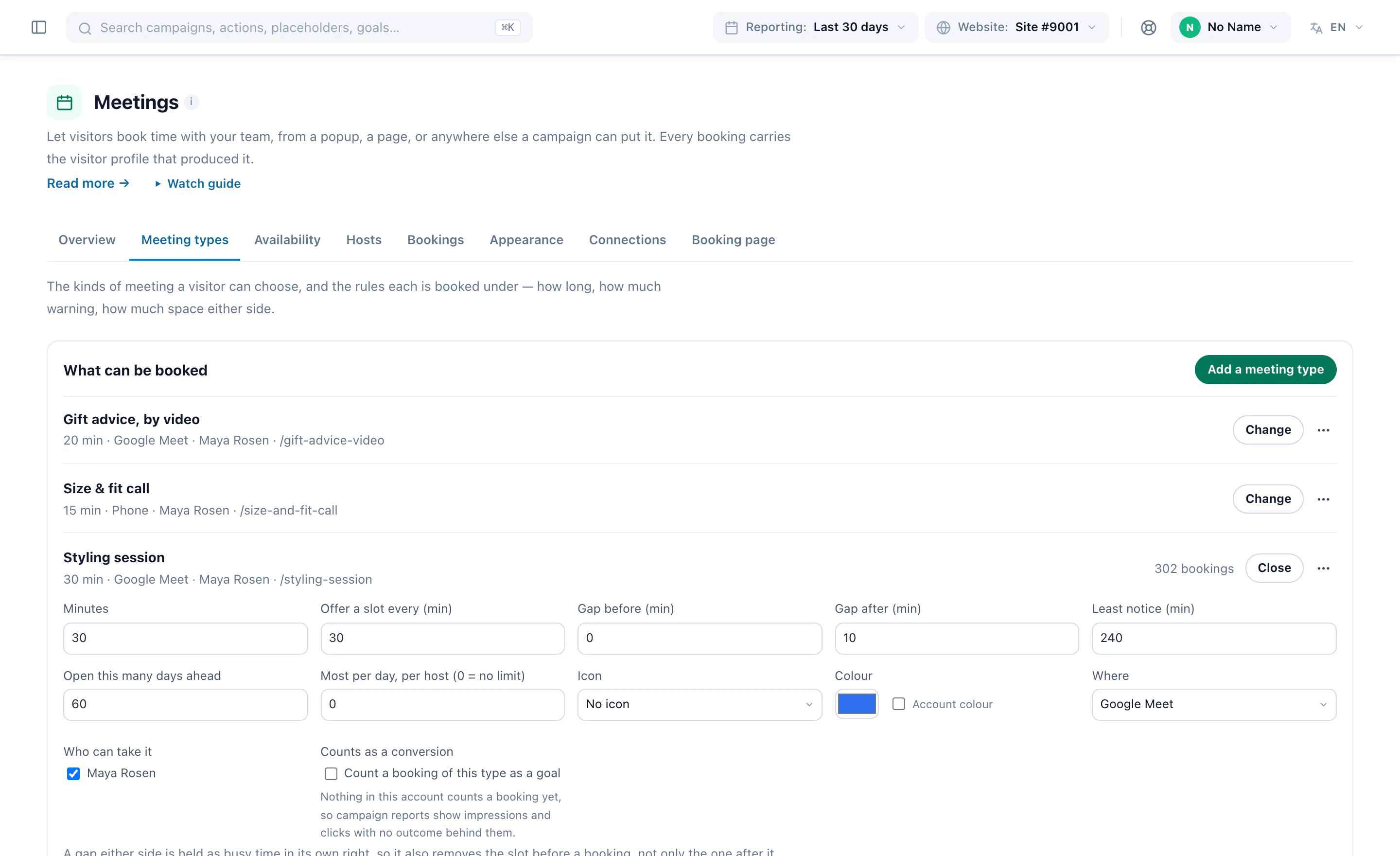
The assistant does not carry its own calendar logic. It hands the request to the same Meeting Scheduler action that runs your booking pages, which means every rule you already set applies inside the chat too:
- Intent, not a keyword list. “Book a meeting”, “I want a demo”, “can someone call me” — in any wording — switch the assistant from answering to scheduling mid-conversation.
- The meeting type follows the visitor. An enterprise account gets the named account executive and a 45-minute slot; a self-serve signup gets the round-robin demo. The scheduler decides from the same visitor profile that personalizes the page.
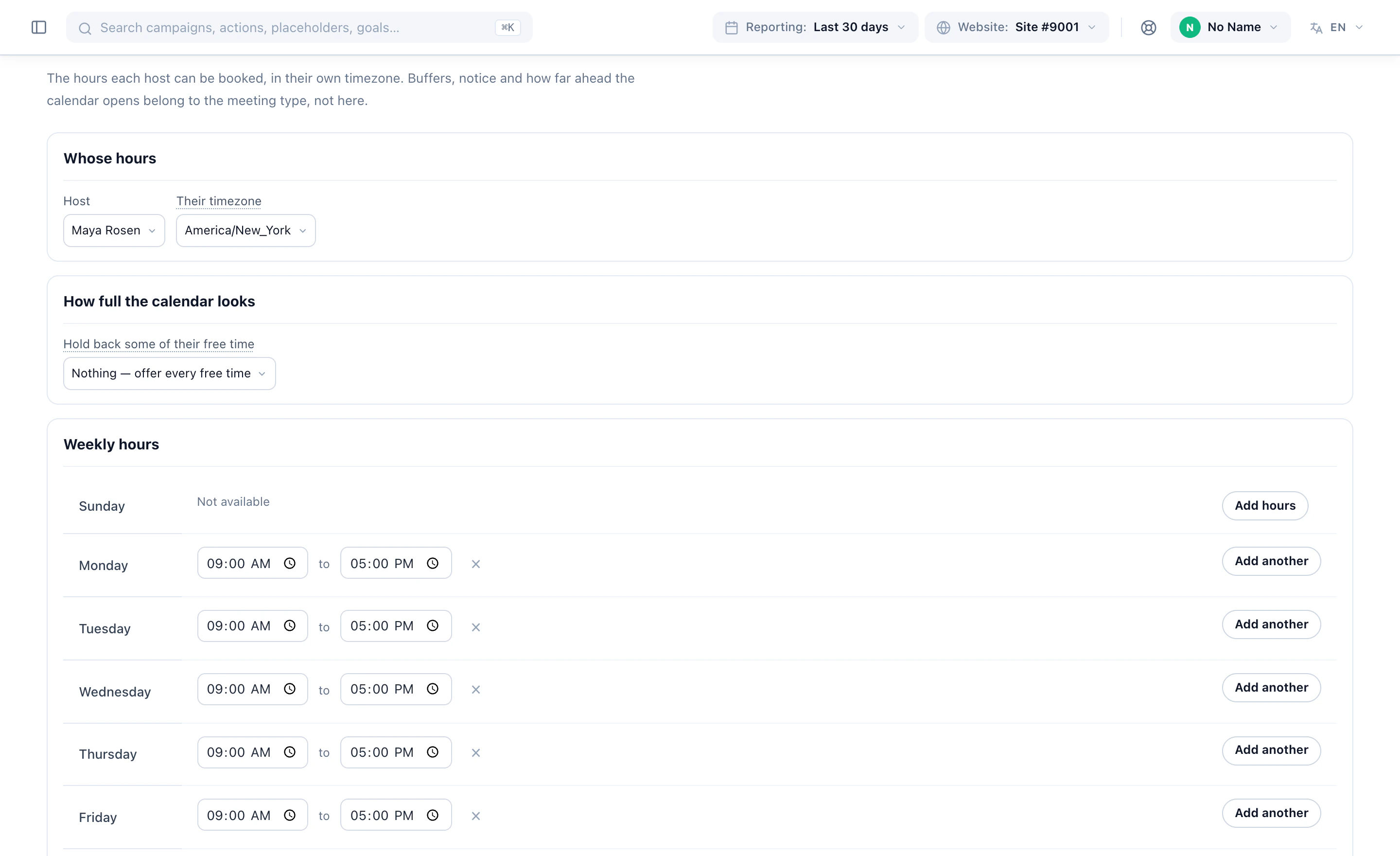
- Real availability. Times come from the host’s connected calendar, so nothing is offered that is already taken.
- Both calendars stay true. The booking lands on the host’s and the visitor’s calendar; a reschedule moves the same event rather than creating a second one.
Why it converts better than a link
The booking page was never the problem; the hand-off was. A link asks the visitor to restart — new page, new decision, often a form asking things the chat already knows. Booking inside the thread keeps the context: the assistant knows which product they asked about and which page they are on, so the meeting is booked with that context attached, and the host walks in already briefed. It is the same principle as the rest of the chat: it knows who is asking before it answers.
Setting it up
If the chat agent and the Meeting Scheduler are both on, there is nothing extra to configure: the assistant offers scheduling whenever the intent appears, using the meeting types and hosts you already defined. Teams that want a tighter leash can restrict which audiences get offered a meeting at all — enterprise visitors only, say — through the chat campaign’s targeting, exactly as they would for any other action.
- The AI chat agent — answers from your own pages and catalogue, knows who is asking.
- The Meeting Scheduler — meeting type, host and times picked by who the visitor is.
- Book a demo — or open the chat on this site and ask it for one.
Book a demo with a personalization expert
30 minutes with a personalization expert. Bring your stack, your goals, your skepticism. We'll show you what changes when every visit feels like the only one.