

Personyze Is Now a Claude Connector: Build Personalization Campaigns by Asking
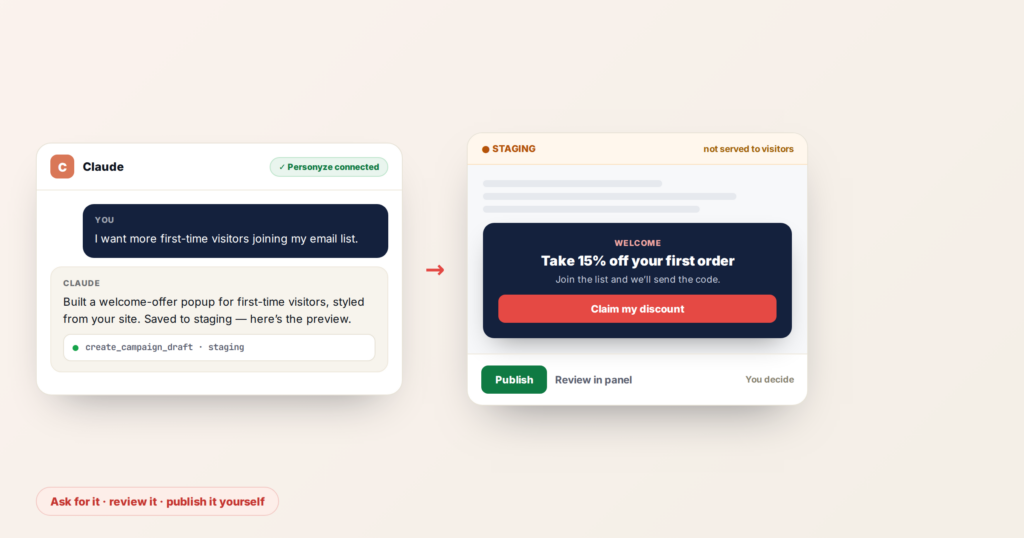
Personyze is now available in the Claude connector directory. Connect it once, and you can build and review website personalization campaigns from inside a Claude conversation — no switching to the panel, no dev ticket, no template gallery.
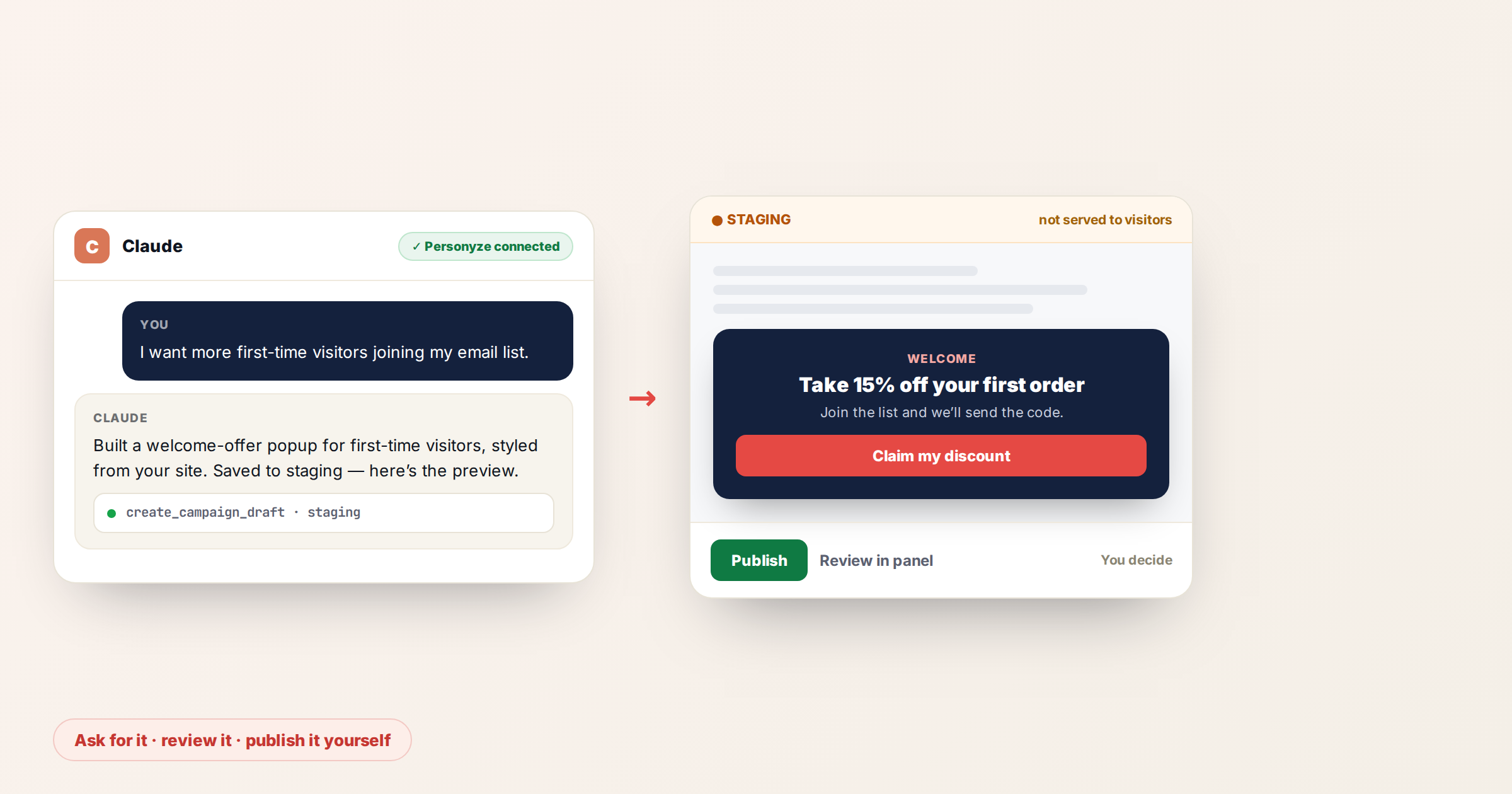
Here it is running end to end:
What this actually does
You describe what you want to happen on your site. Claude builds it in your Personyze account — real targeting rules, content styled from your own colours and fonts — and saves it in staging. You review it, and it goes live only when you publish it.
A few things people ask for on day one:
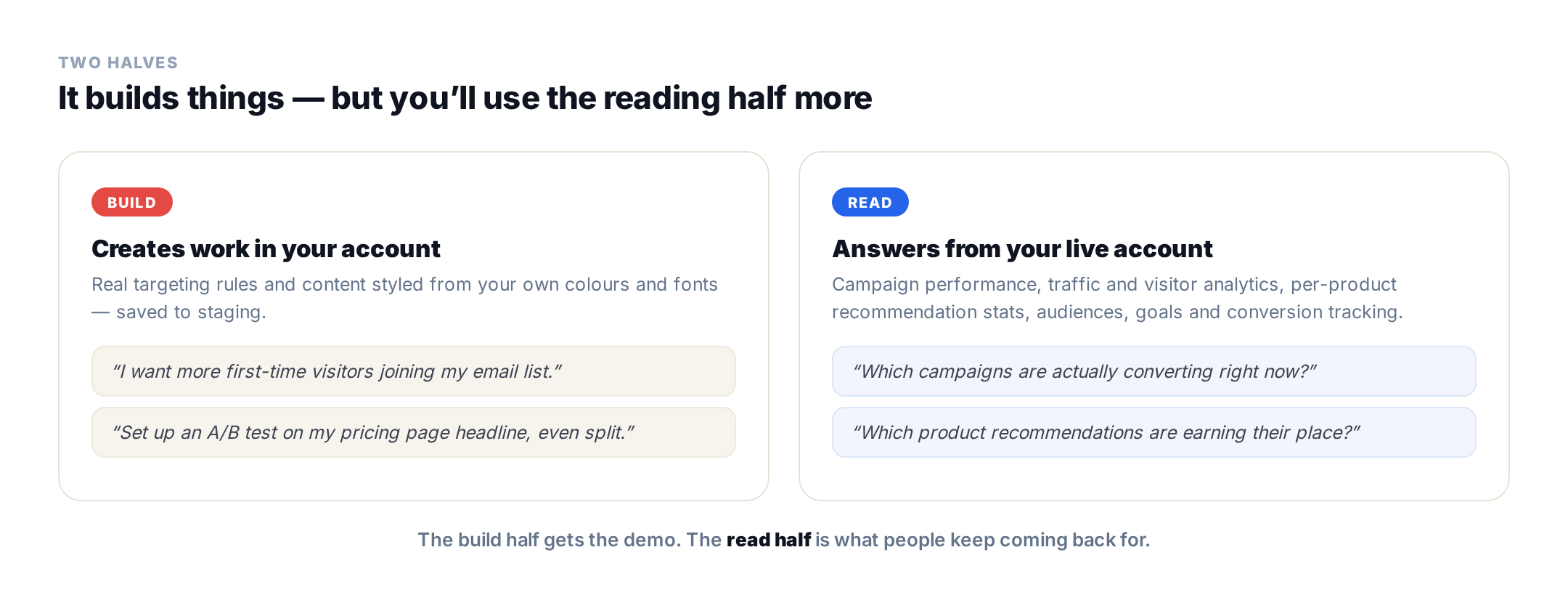
- “I want more first-time visitors joining my email list.”
- “Set up an A/B test on my pricing page headline, even split.”
- “Which campaigns are actually converting right now?”
- “Which product recommendations are earning their place, and which should I drop?”
The first two build something. The second two read your live account — campaign performance, traffic and visitor analytics, per-product recommendation stats, audiences, goals, and conversion tracking. Most people find they use the reading half more than they expected.
Why this matters more than “AI wrote your copy”
Plenty of tools will generate headline variants. That was never the bottleneck.
The bottleneck is everything around the copy: deciding who should see it, building the audience, wiring the targeting rules, matching the design to your site, setting up the goal so you can tell whether it worked. That’s the part that turns a fifteen-minute idea into a two-week project, and it’s the reason so many personalization plans sit in a backlog instead of on a website.
That’s the part this connector removes. Claude writes the targeting rules and builds the creative, then hands you something finished to judge. You’re reviewing work instead of specifying it.
Nothing goes live without you
Worth being explicit, because “an AI agent with access to my live website” is a reasonable thing to be nervous about.
Everything Claude builds is saved in staging. Staged campaigns are not served to your visitors. You open the preview link, look at the thing on your real pages, and publish it yourself — or don’t.
The connector also acts with the permissions of whoever signed in. It can’t do anything you couldn’t already do in the Personyze panel yourself. If your user can’t publish, neither can Claude.
Setting it up
- Open the Personyze listing in the Claude directory and connect it.
- Sign in with your Personyze account when prompted.
- Ask Claude what’s running on your site, to confirm it’s connected.
You’ll need a Personyze account with the tracking snippet installed on your site. Start a free trial if you don’t have one — the snippet takes a few minutes, and the connector works on trial accounts.
Full setup details are in the MCP server documentation, and there’s a product overview on the Personyze MCP server page.
It’s the same account, wherever you work
Claude isn’t a separate product with its own campaigns. It’s another way into the same account.
Build something in a conversation and it’s there in the Personyze panel — same campaign, same reporting, editable in the visual editor like anything else. Build it in the panel and you can ask Claude about it later. If you’re on WordPress, the plugin reaches the same account from inside wp-admin.
That matters because the person describing a campaign in chat often isn’t the person who ends up refining it.
Start here
The most useful first question isn’t a build request. Ask this:
“What’s the highest-impact thing I could build on this account that I haven’t already?”
Personyze looks at what’s live, what’s converting, what’s tracked, and what’s missing — then tells you what’s worth doing next. It’s a better use of the first five minutes than building something at random, and it’s the fastest way to see whether the connector is reading your account properly.
FAQ
Do I need a paid Claude plan?
Connectors are available on Claude’s paid plans. The Personyze side works on any account, including a free trial.
Does Claude need access to my website?
No. It connects to your Personyze account through the MCP server. Personyze already has the site data through your tracking snippet.
Can Claude publish campaigns to my live site?
Campaigns are created in staging and are not served to visitors until you publish them. The connector operates with your own user’s permissions, so it cannot do anything you could not already do in the panel.
What if I already use Personyze in the panel?
Nothing changes. The connector is an additional way into the same account – same campaigns, same reporting, editable in the visual editor.
Does this replace the visual editor?
No. Claude gets you to a working draft quickly; the visual editor is still there when you want to adjust it by hand.
Which Personyze features does it cover?
Campaigns and actions, targeting rules, A/B tests and traffic splits, product and content recommendations, audiences and visitor fields, goals and conversion tracking, traffic and campaign analytics, scheduled reports, and tracking diagnostics.
Can I use it from ChatGPT or another assistant instead?
Yes. The same Personyze MCP server works with any MCP-capable assistant. ChatGPT installs it from the ChatGPT app directory in one click, the same as Claude; anywhere else it connects as a custom connector.
Ready to try it?
Add Personyze to Claude, or start a free trial first if you’re new to Personyze. Prefer a walkthrough on your own pages? Book a demo.
Related reading
- Personyze MCP server: the full guide — what to ask and how it behaves.
- AI personalization agent — the same capabilities inside the panel.
- AI visibility — why being connectable matters.
Book a demo with a personalization expert
30 minutes with a personalization expert. Bring your stack, your goals, your skepticism. We'll show you what changes when every visit feels like the only one.