
WordPress Content Personalization Using Shortcode Blocks
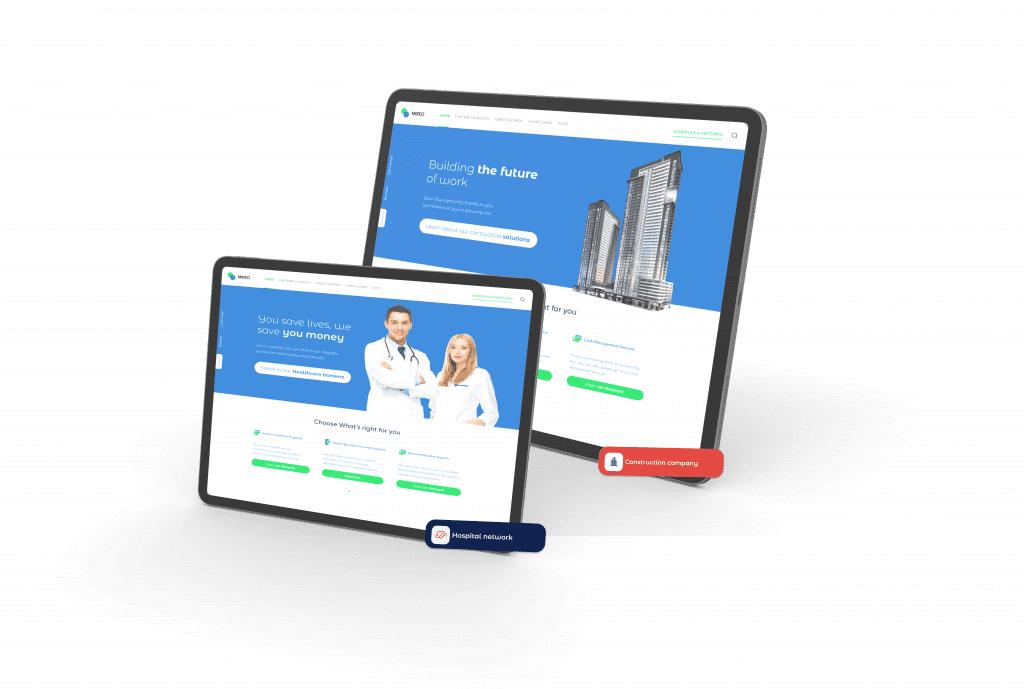
Use Shortcode Blocks for Easy WordPress Personalization
Personyze’s integration for WordPress personalization just got an upgrade, making it easier than ever to personalize content on WordPress, using shortcode blocks.
While previously, our WordPress plugin allowed you to quickly and easily deploy the Personyze tracking code that activates Personyze on any WordPress site, we now have an expanded capability to work in conjunction with WordPress content editors such as Elementor, WPBakery, Visual Composer Website Builder, or Themify Builder.
This new feature utilizes WordPress shortcode blocks, which allow you to deploy your own content from wordpress based on Personyze’s powerful targeting engine. The difference this makes is that rather than having to build out content in Personyze from scratch to be inserted into the site (while that valuable content with perfect styling either already exists or is much easier to make, in WordPress), now you can use Personyze to take existing WordPress content blocks and show them for any given visitor segment.
How does it work? Essentially, rather than build and insert totally new content and going to the extra effort of making it match your existing website, Personyze sends a shortcode message to WordPress calling the particular page section you want to show. WordPress then sends this content back to Personyze, to be inserted into your website at the correct placement in real-time, without any lag or delay, based on whatever targeting criteria you set in Personyze.
What this means is that if you’re using WordPress, you can set up the personalized website blocks that you want to show your visitors there, with the website design template you’re familiar with and that already has all the styling settings, and then all you have to do in Personyze is insert the short-code that calls each particular template, based on our powerful targeting engined which is used to identify your segment.
For instance, say you’re a fashion website on WordPress, and you want to show different homepage headers to different segments, based on the customer’s top known product category interest from previous browsing. Before, you would have had to re-create the header using Personyze content editor, which while somewhat intuitive, could be time-consuming. Now, you can simply build the different version of the header as a shortcode block in your WordPress website builder, and use Personyze to call each for the appropriate segment. The end result is the same, but the process of building the content is much simpler.
This eliminates one of the most time-consuming steps from the personalization process, designing the website content in Personyze, with appropriate styling to perfectly match your site. For WordPress users, showing targeted content that perfectly matches your website design just got much, much easier!
Here is our WordPress personalization plugin guide explaining how to implement this new feature. Enjoy!
Frequently asked questions
Does Personyze work with Elementor and other builders?
Yes. Shortcode blocks let Personyze show existing WordPress content — including blocks built in Elementor, WPBakery, and similar — to targeted segments.
Do I need to rebuild content inside Personyze?
No. You can target and serve content that already exists in WordPress, rather than recreating it.
Get started
Book a demo or view plans to get started.
Book a demo with a personalization expert
30 minutes with a personalization expert. Bring your stack, your goals, your skepticism. We'll show you what changes when every visit feels like the only one.